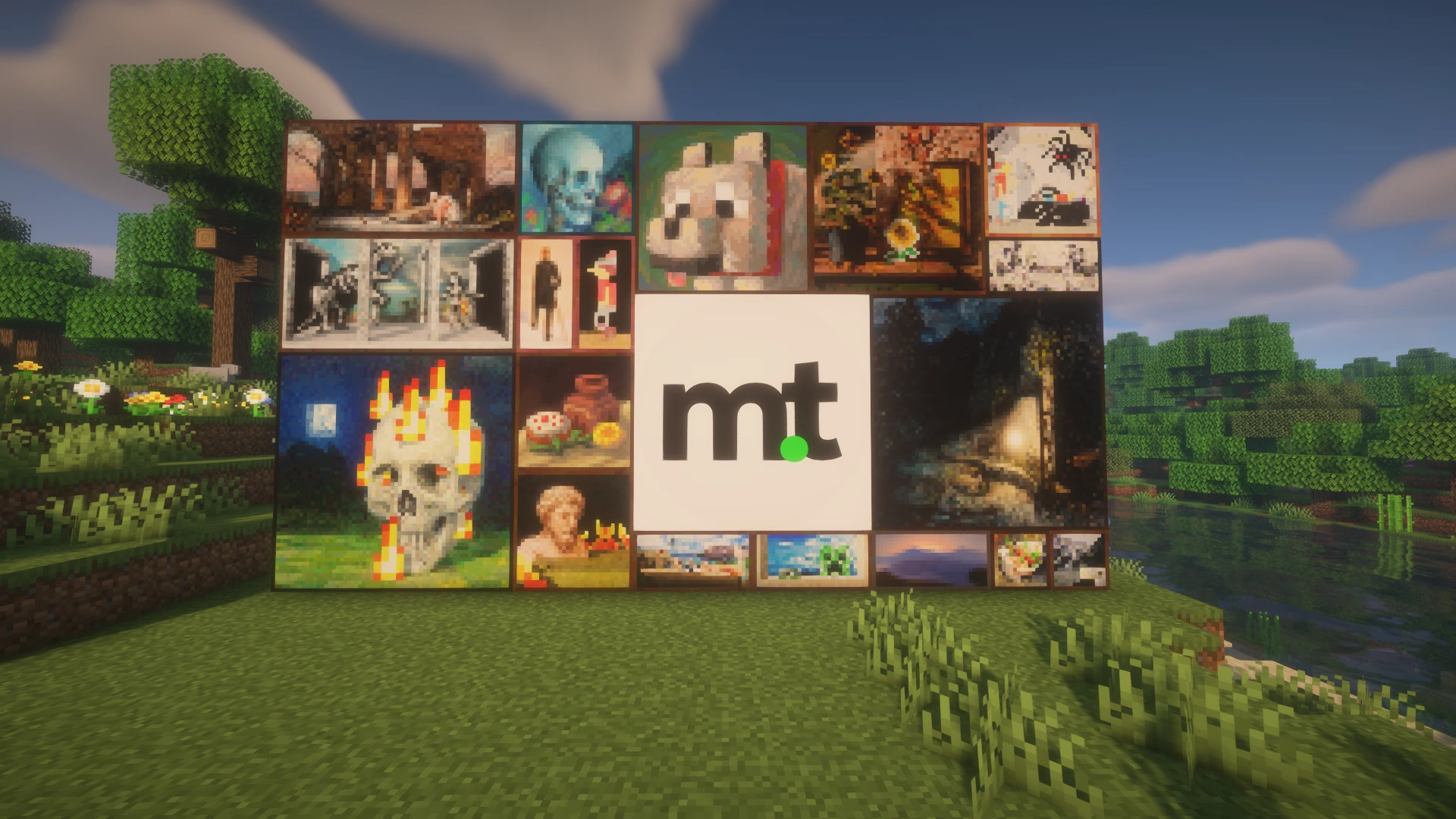
Your pictures belong in Minecraft! With our new Custom Paintings Generator, you can turn photos, screenshots and artwork into paintings for Java and Bedrock Edition. This update also improves our tool guides and dashboard. Happy mining!
New Features
- Added a Custom Paintings Generator.
Custom Paintings Generator
- Upload PNG, JPG or WebP images and turn them into Minecraft painting textures.
- Choose which painting to replace using original artwork and in-game names, grouped by size.
- Move, crop, zoom and rotate your pictures before saving.
- Use sliders, number inputs and plus/minus buttons for precise adjustments.
- Undo and redo changes while editing.
- Import existing Java ZIP or Bedrock MCPACK resource packs to edit their paintings.
- Customize the resource pack name and icon.
- Download your pack as a Java ZIP or Bedrock MCPACK.
- Select the target Minecraft version separately for each edition. Unsupported paintings are excluded from the corresponding download without removing your project edits.
- Share your project through a link, including your images and both version selections.
- Image editing and pack generation happen directly in your browser. No mod is required.
UI & UX
Tool Guides
- Expanded the English instructions, examples and Minecraft background information across all tool pages.
- Added clearer explanations of edition differences and tool limitations.
- Updated FAQs with a consistent expandable design.
Technical Changes
- Updated homepage structured data to match the available tools.
- FAQ structured data now uses the same questions and answers as the visible FAQ.
Fixed Bugs
- Fixed dashboard header alignment caused by dashboard card styles affecting navigation buttons.
- Added a working mobile menu to the dashboard header.