Minecraft Skyblock Download - Free Vanilla Java Map
Download a Minecraft Java Skyblock world with optional custom recipes and advancements. Follow the guide below for installation, starting resources and the additions included with this map.
Download Your World
Choose your Minecraft version to download the latest Skyblock world.
This will enable the use of a custom datapack for the skyblock world.
This will enable the use of custom advancements for the skyblock world.

Build a Minecraft world from a small Skyblock island
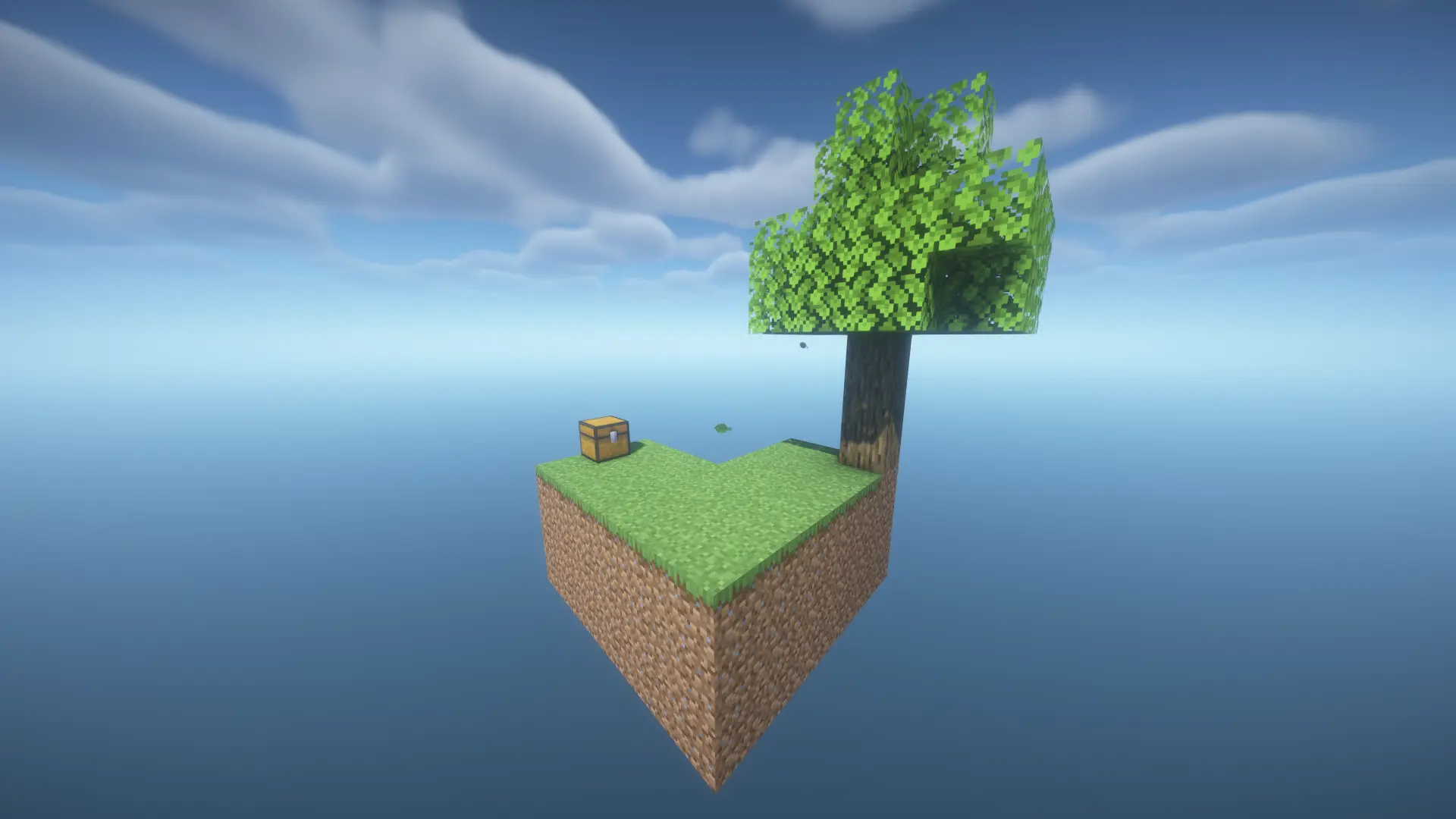
Skyblock starts with a small island above the void and a limited set of resources. Losing a sapling or placing lava incorrectly can affect much more than a single build. This page provides a prepared Minecraft Java world, with optional data packs and advancements, so you can begin the challenge without constructing an island map yourself.
The download is a world rather than a modpack. Its optional additions use Minecraft’s data pack system to provide extra recipes and resource paths while keeping the normal Java client. The version selector shows the releases currently offered for download; it does not imply automatic compatibility with every older or newer version.
How to prepare your Skyblock download
- Select your Java version. Match the release you plan to launch. Back up existing worlds before changing their game version.
- Choose the custom data pack. Enable it if you want the additional recipes and mechanics described below.
- Choose custom advancements. This separate option includes the offered in-game goals.
- Download the world. Wait for the ZIP to be assembled with the selected available packs.
- Extract the world folder. Put it in the saves directory belonging to the Minecraft installation you actually use.
Install Skyblock in singleplayer or multiplayer
Singleplayer installation
The world’s level.dat must sit directly inside its folder. An extra nested folder is a common reason a downloaded map does not appear in the singleplayer list. The ZIP files inside datapacks should normally remain zipped. Launch the matching Java release and select the world.
On Windows, the default saves location is usually %appdata%\.minecraft\saves. Alternative launchers and installation profiles may use another game directory. Check the active profile rather than assuming that every installation shares the default folder.
Play with friends on a Java server
For local multiplayer, open the world to LAN. For a dedicated server, stop it and back up the existing world first. Upload the extracted Skyblock folder, including its data packs, and set level-name in server.properties to that folder’s name. Use a compatible server version. Players do not need separate client installations of the server-side data packs.
Protect your starting resources
Expand the catchment platform around your first tree before harvesting its leaves. Replant a sapling and store another as a reserve when possible. Use renewable building blocks for paths instead of spending your limited dirt. Keep a grass block if you intend to spread grass across a larger island later.
A cobblestone generator turns water and lava into renewable building material. Arrange it so flowing lava meets water to form cobblestone. Water reaching the lava source can instead create obsidian. Use non-flammable blocks, contain the water and secure the mining position so you do not lose either the source or your footing.
Two water sources placed in opposite corners of a suitable 2 × 2 pool can replenish the remaining spaces. Keep the original sources safe when collecting water. Before working above the void, store valuable tools and rare ingredients. Wider platforms, lighting and barriers are often more valuable early on than a large decorative structure.
Plan progress around the optional recipes
The recipe reference below describes additions to this map’s custom data pack. These are not universal Vanilla recipes or rules for every Skyblock map. Check which resource paths your selected pack provides before committing to a large farm or consuming a final ingredient.
Work backward from the next goal: identify the ingredient, the farm or trade that supplies it, and the starting resource needed to build that system. This helps you distinguish renewable materials from supplies that deserve a reserve. A reliable small generator or farm often supports progress better than a rushed expansion with no recovery plan.
Skyblock wiki: custom crafting recipes
These are the extra recipes included with the custom data pack. Match the ingredients shown in the crafting grid; the item on the right is the result. Hover over an ingredient to see its name, or select it to open its Minecraft Wiki article.
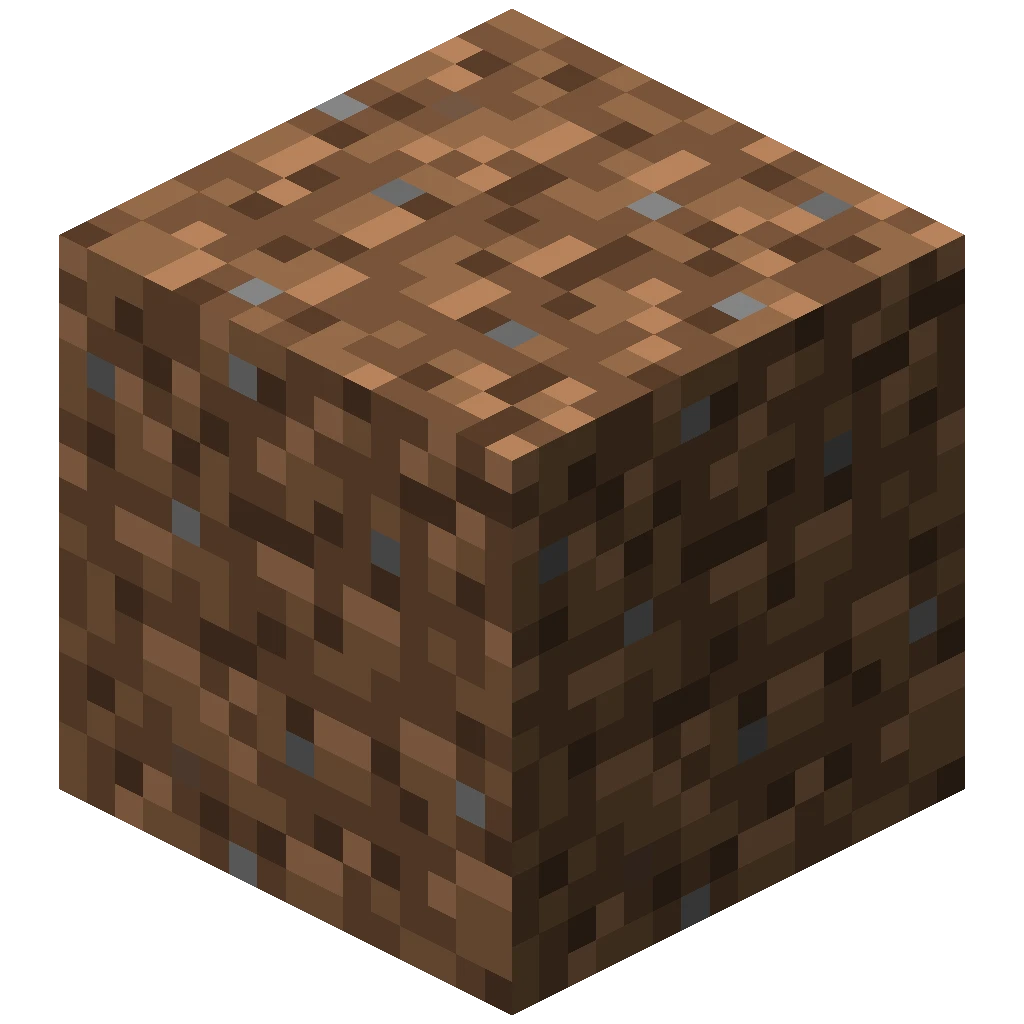
Calcite

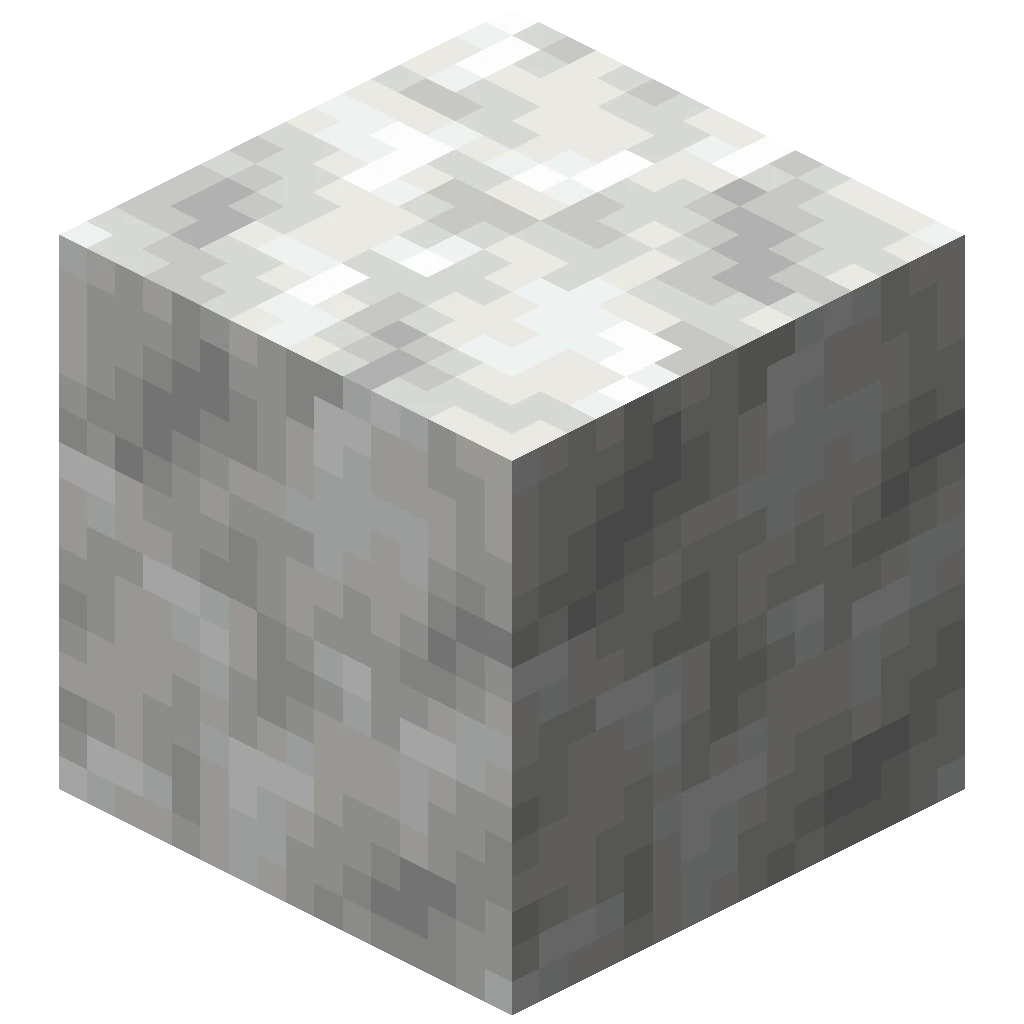 4
Cinnabar
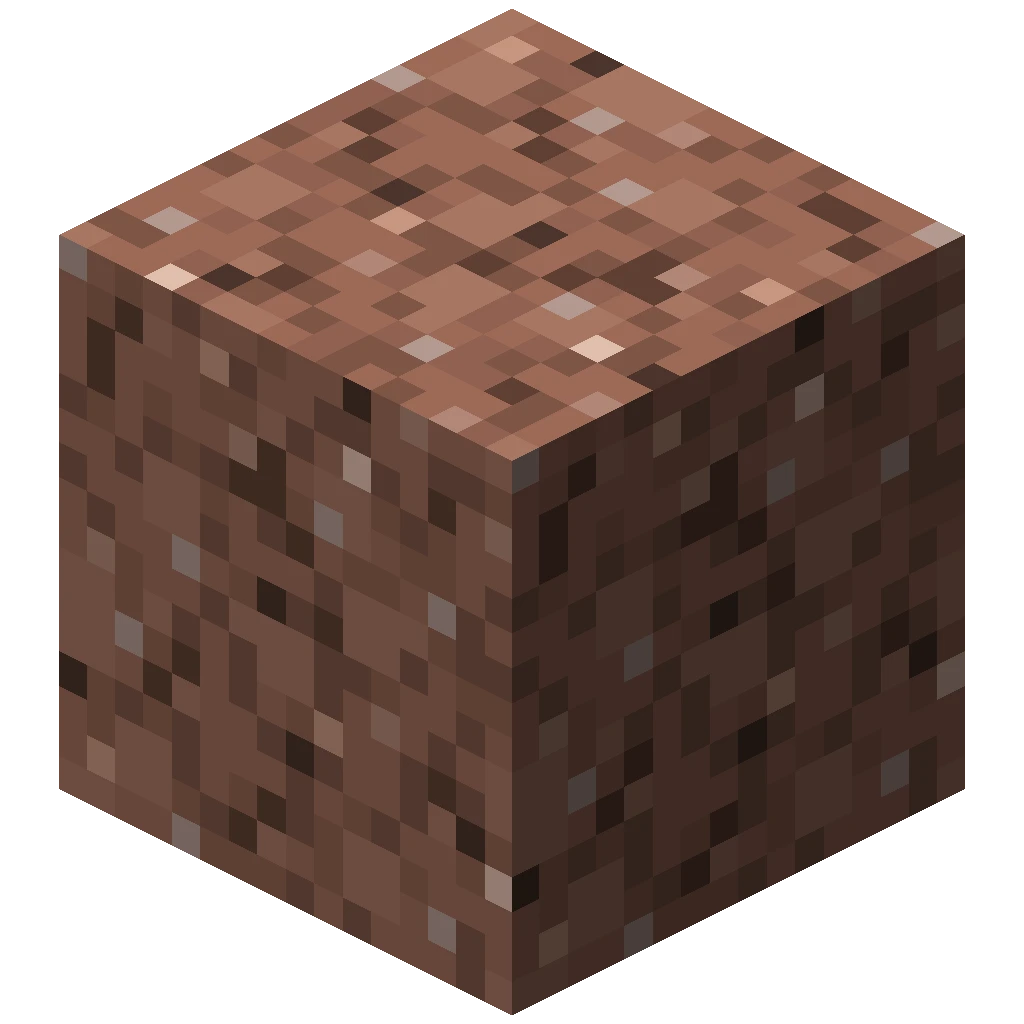
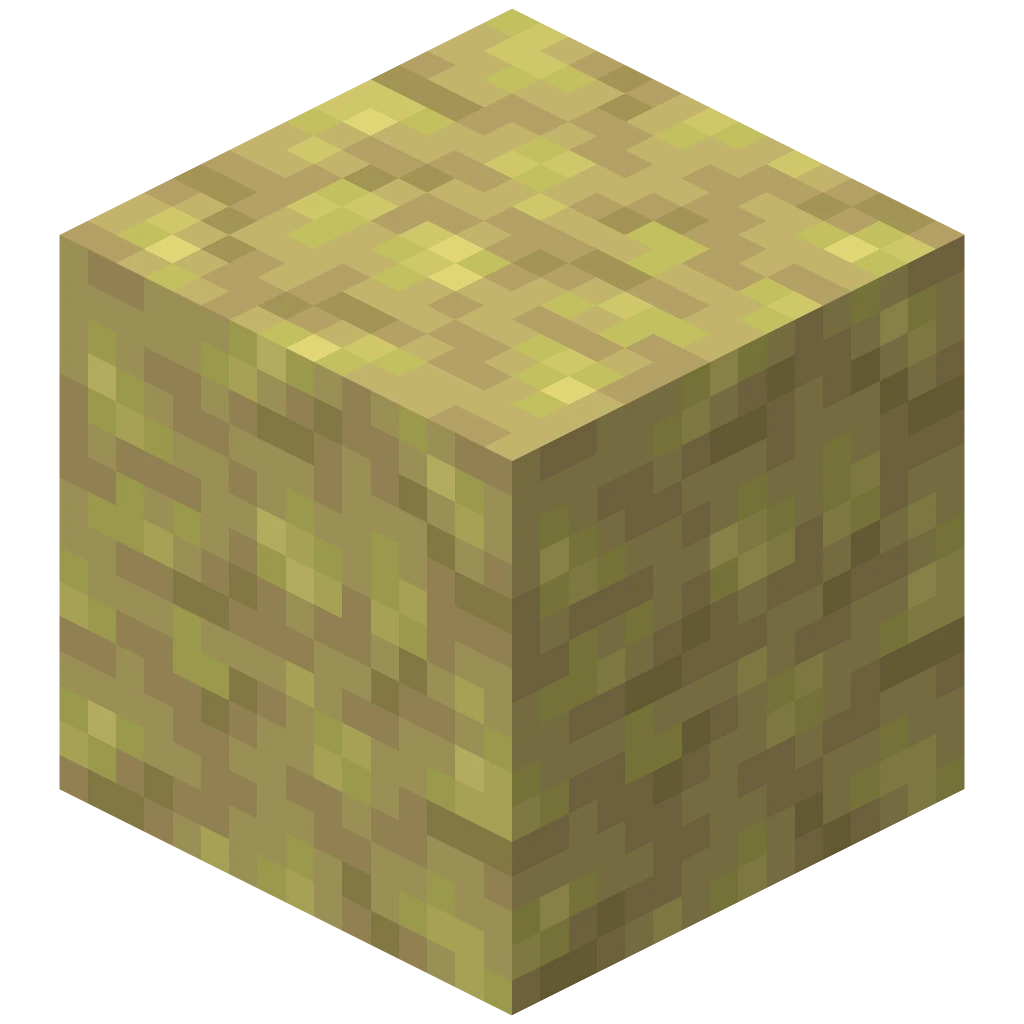
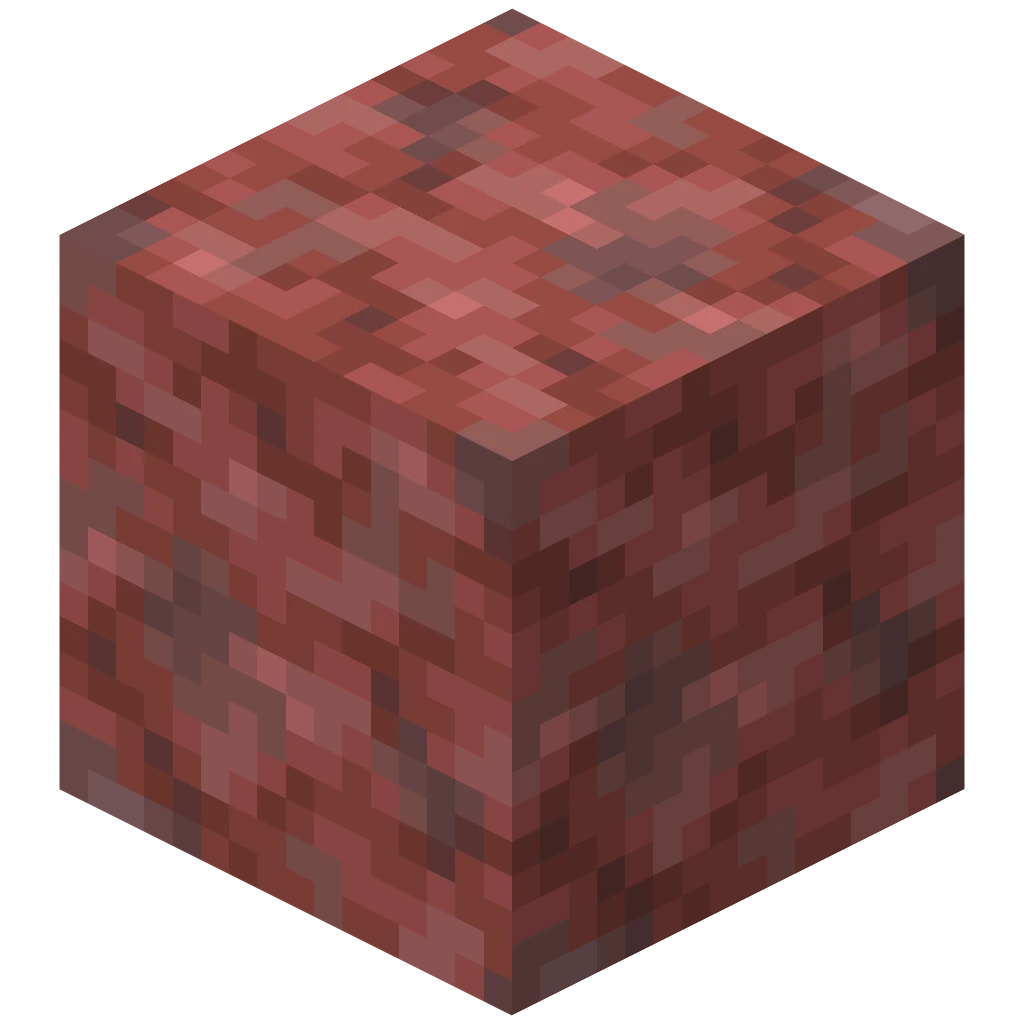 4
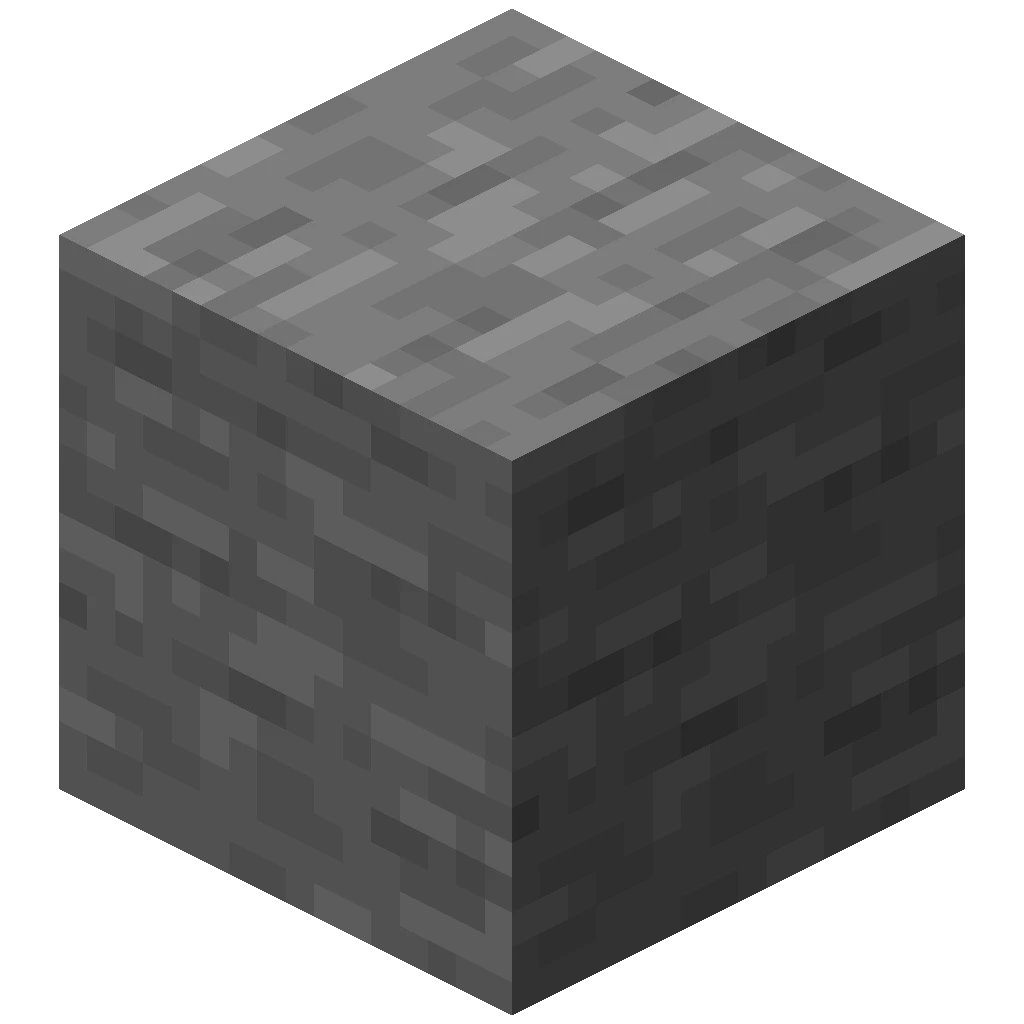
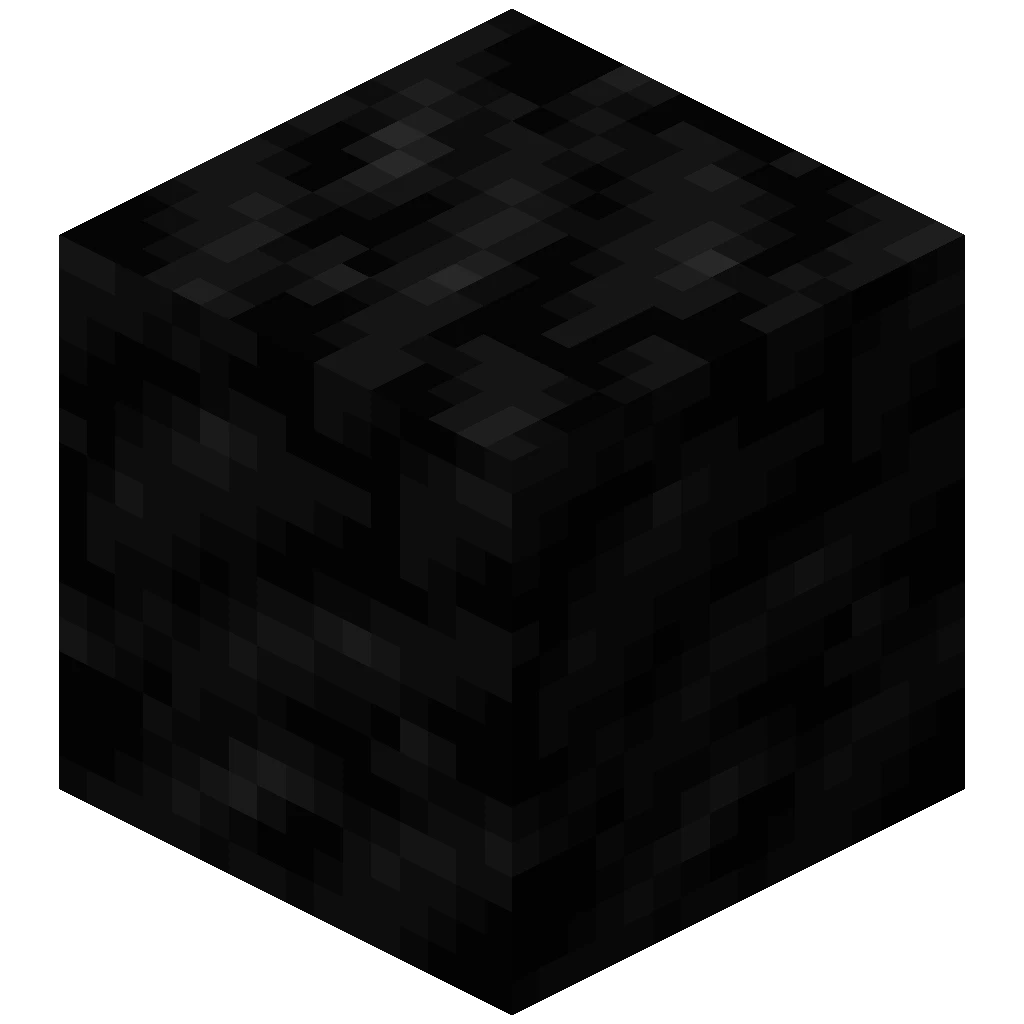
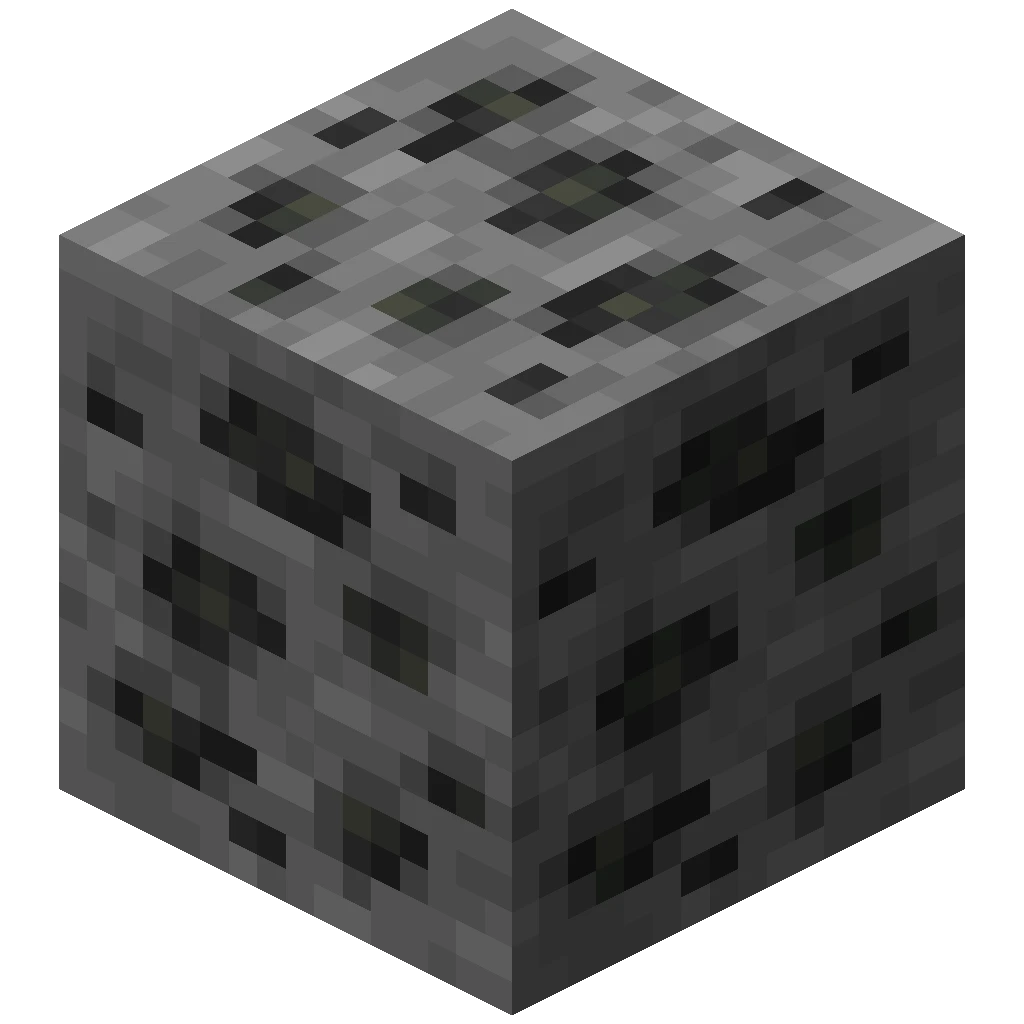
Coal Ore
 4
Cobweb


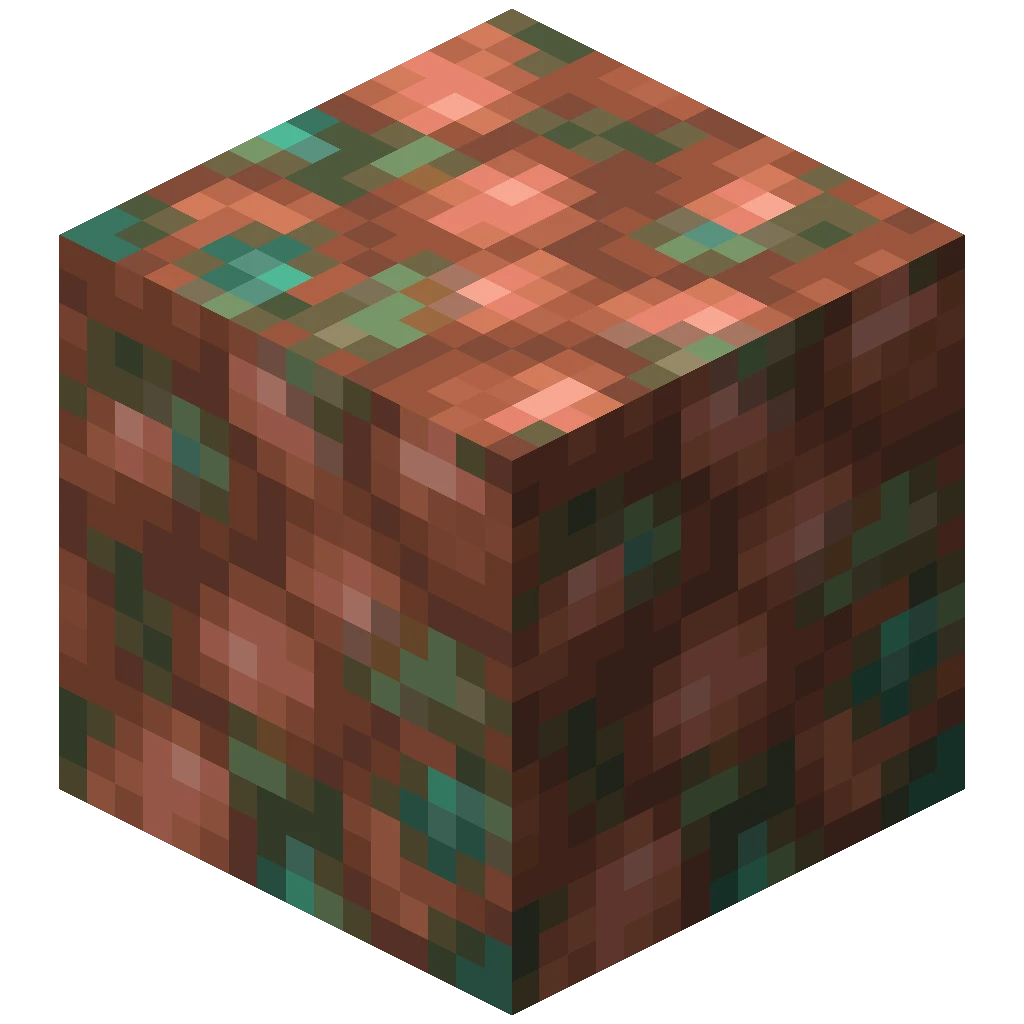
Copper Ore
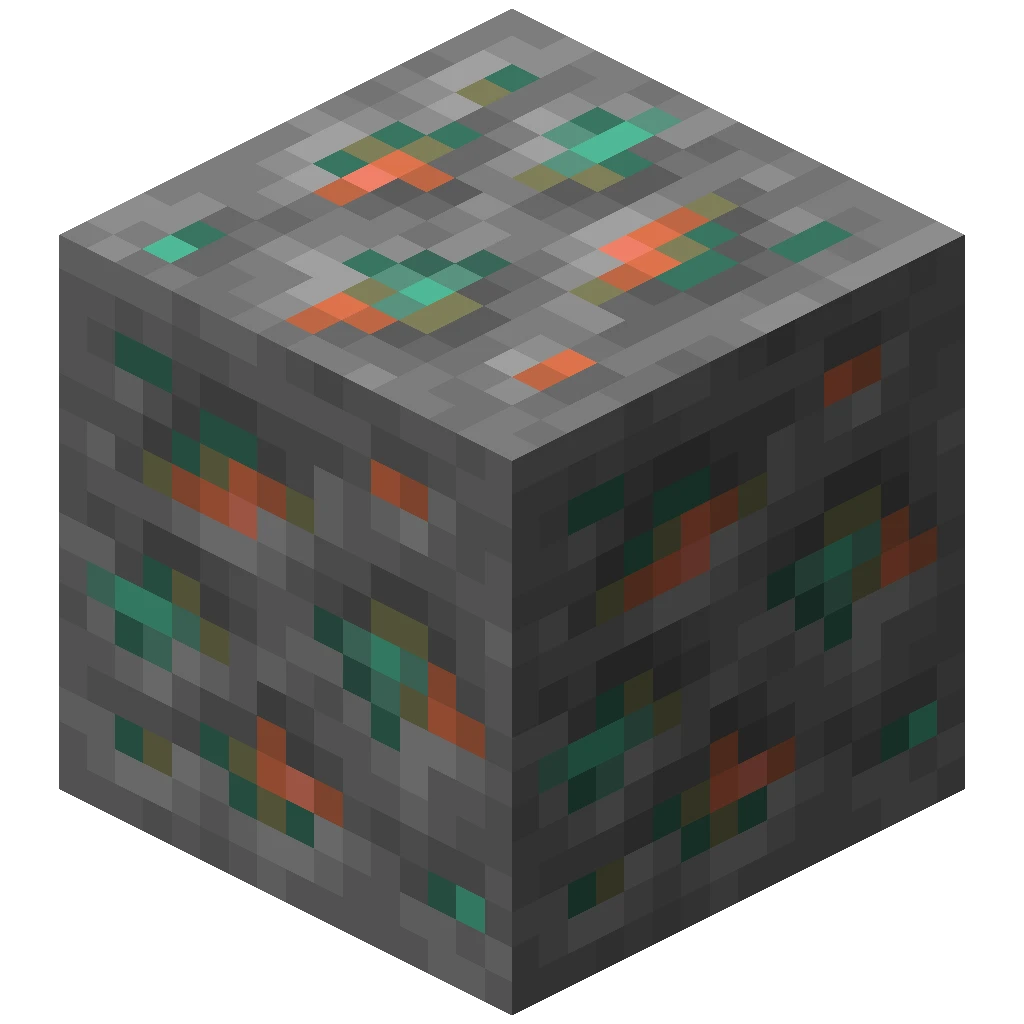 4
Deepslate
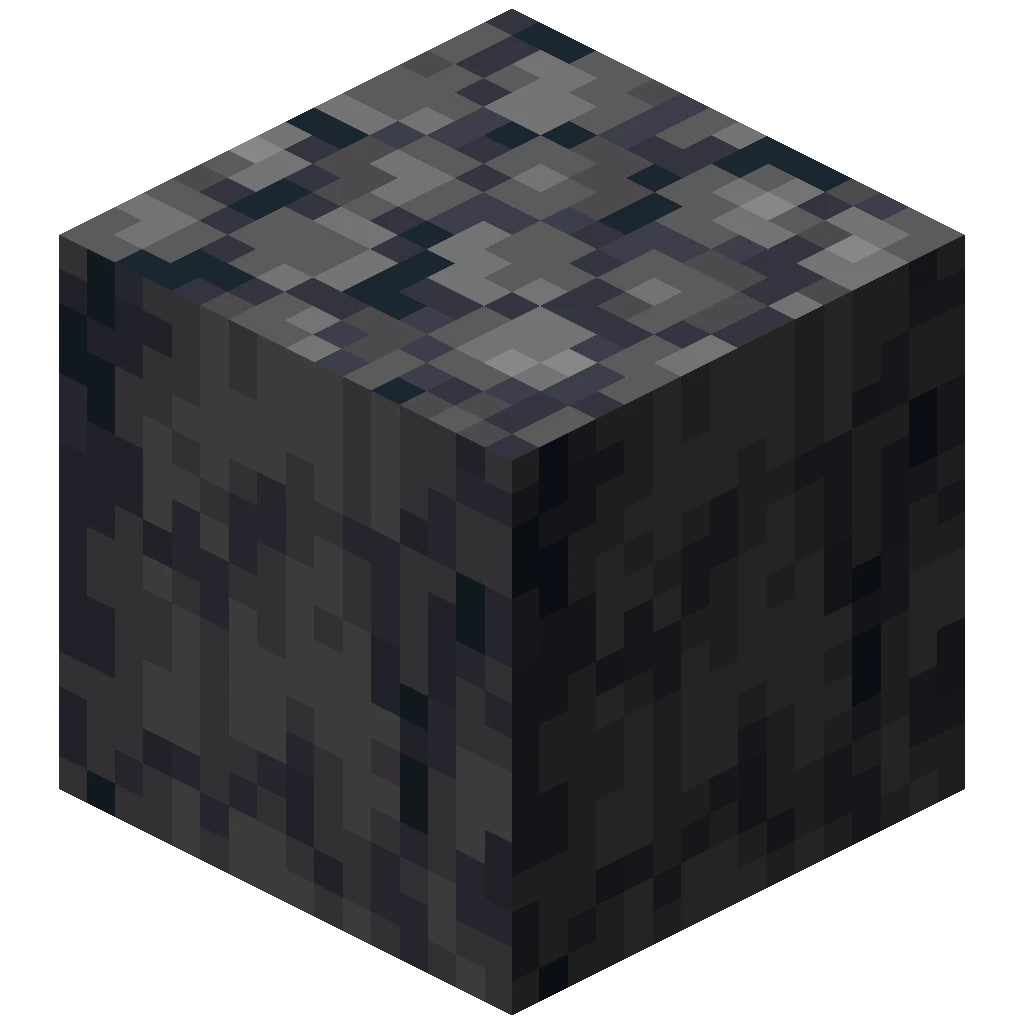
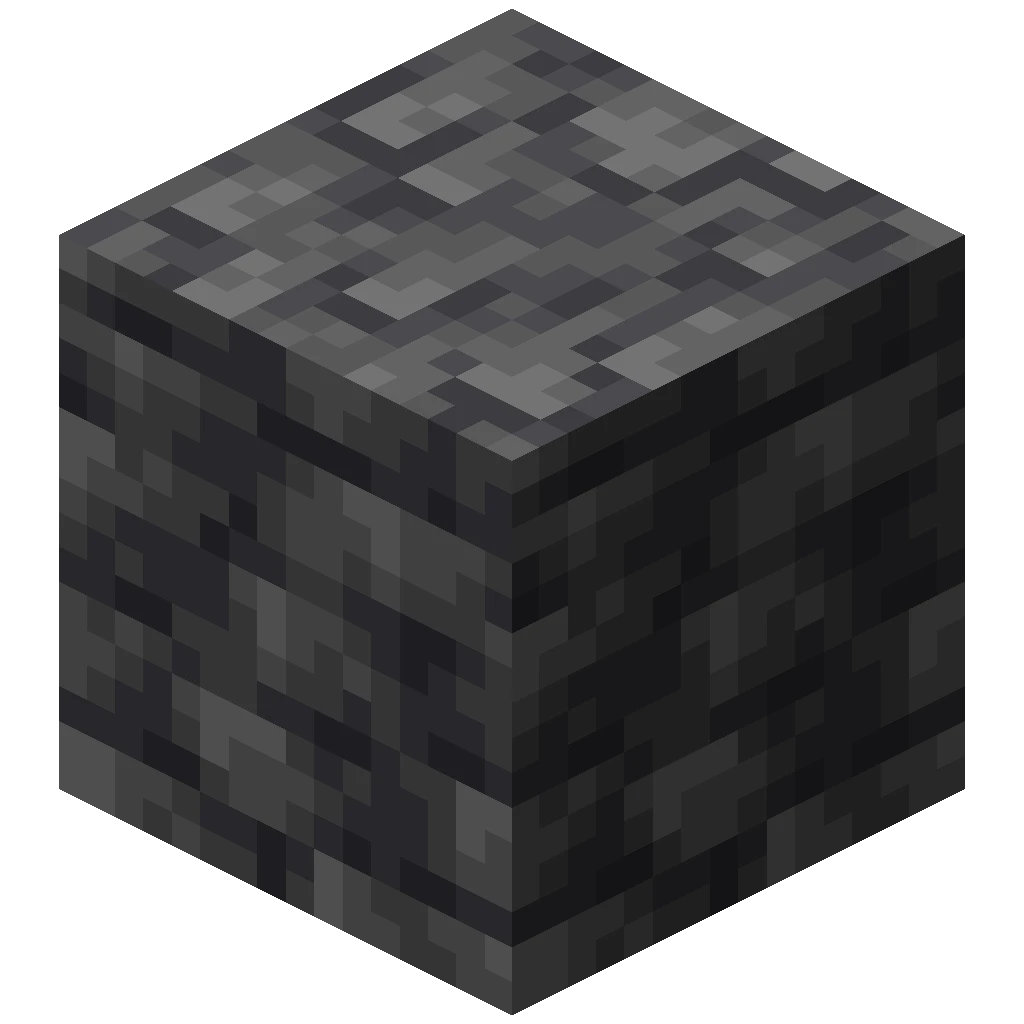 4
Deepslate Coal Ore
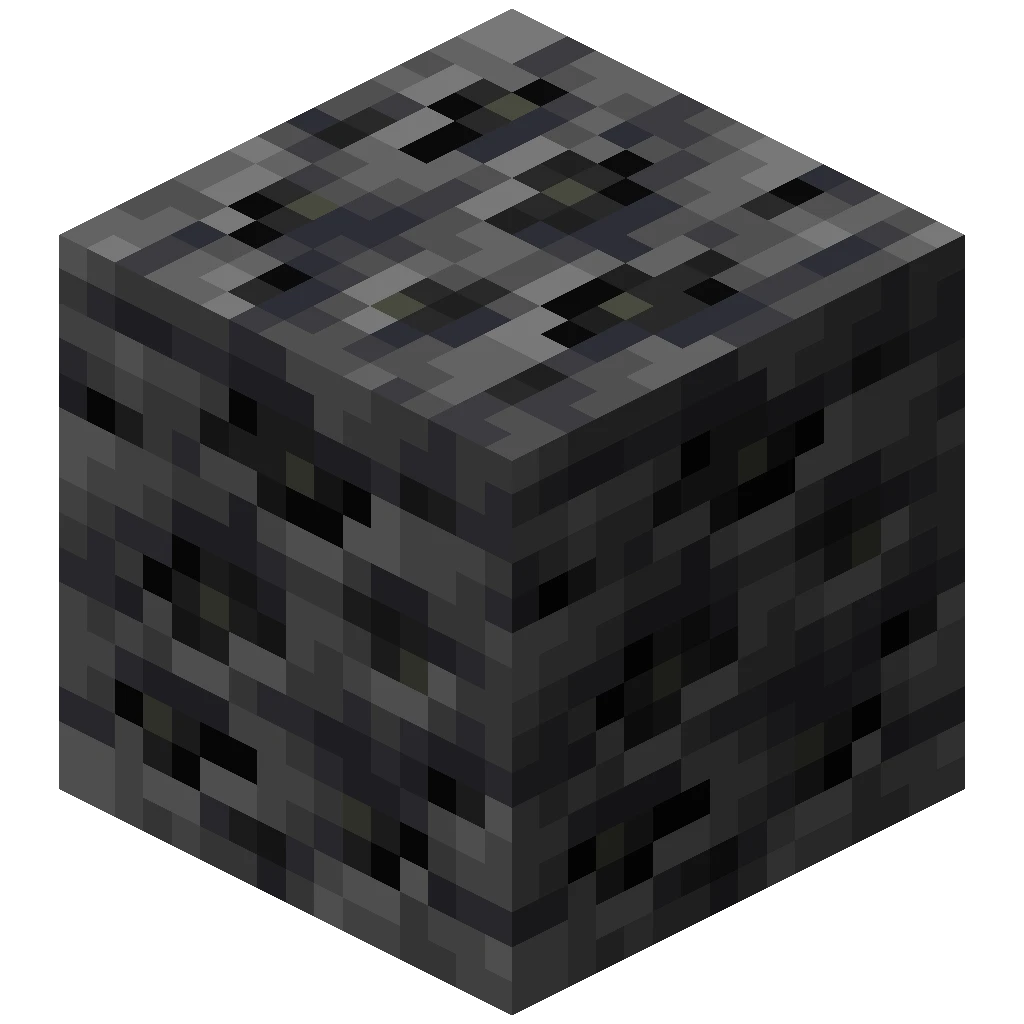
Deepslate Copper Ore
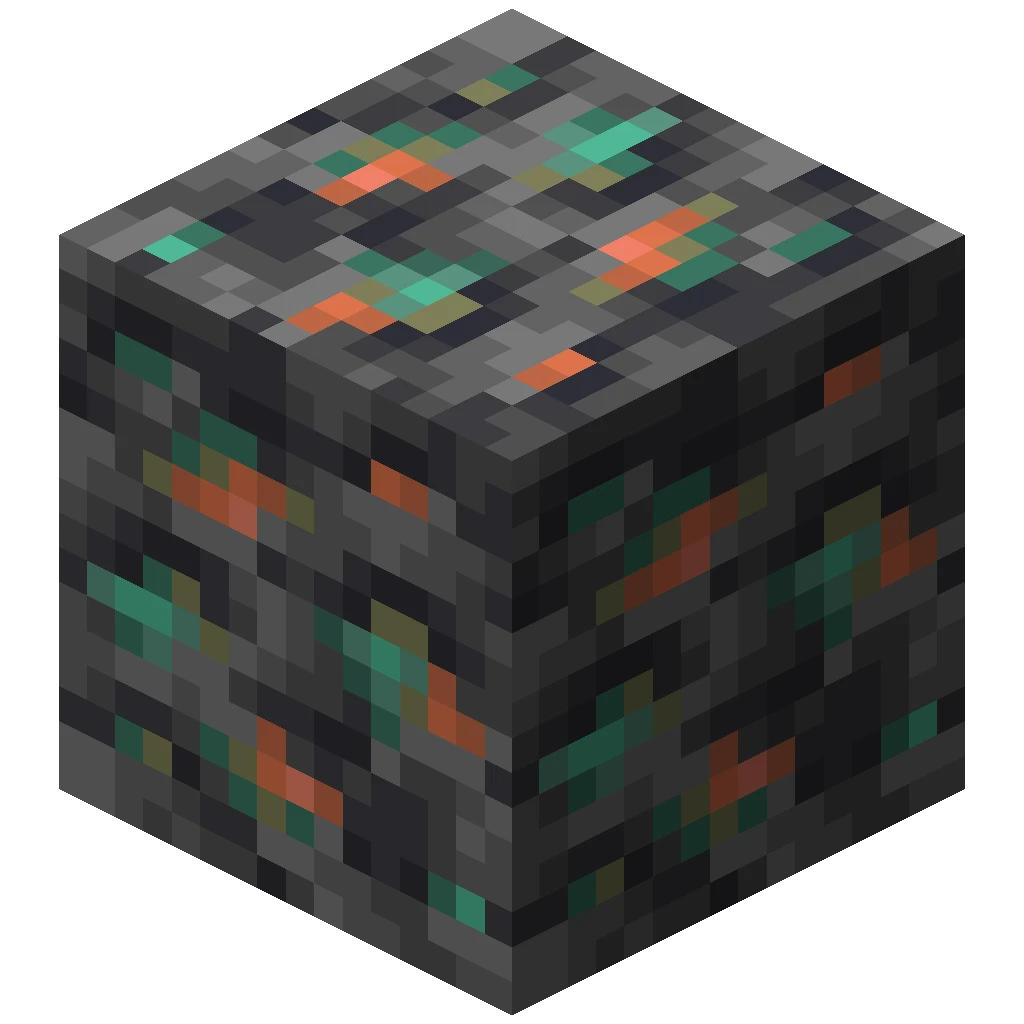
Deepslate Diamond Ore
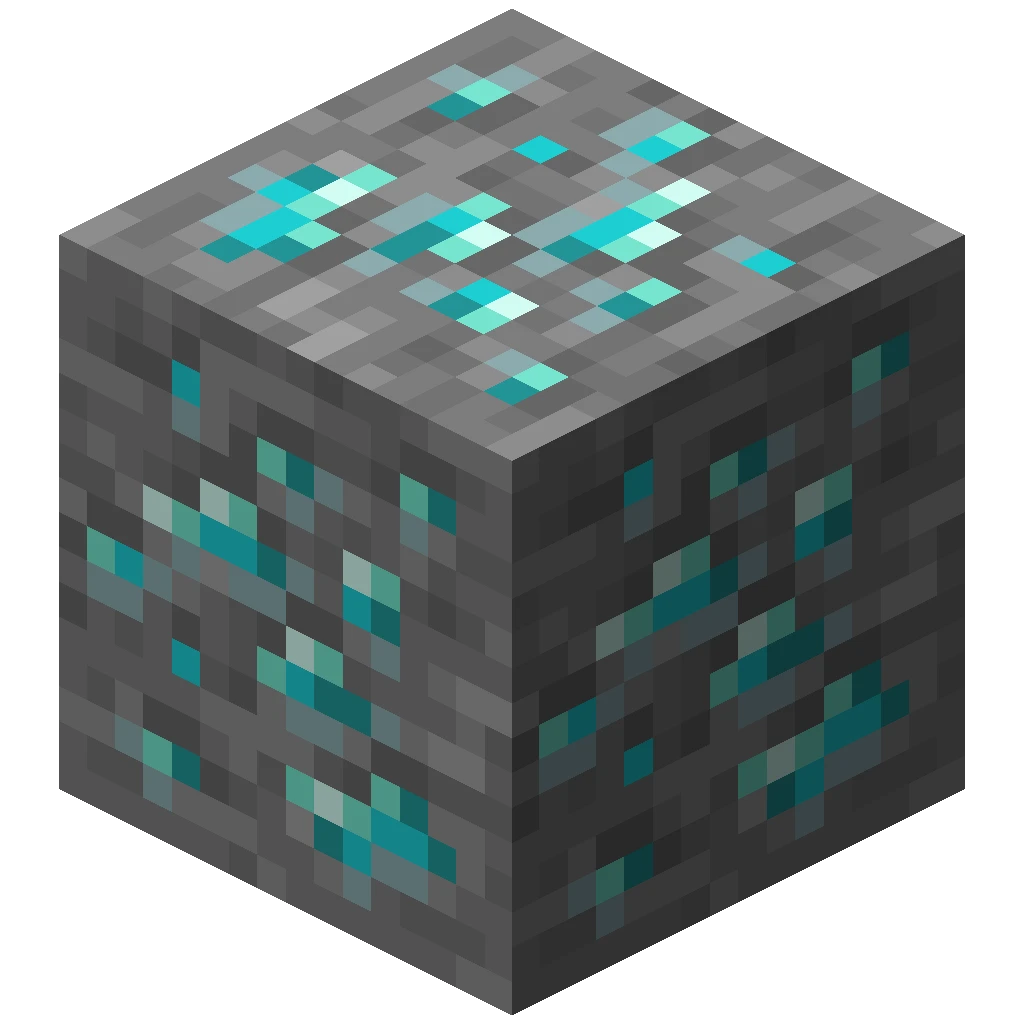
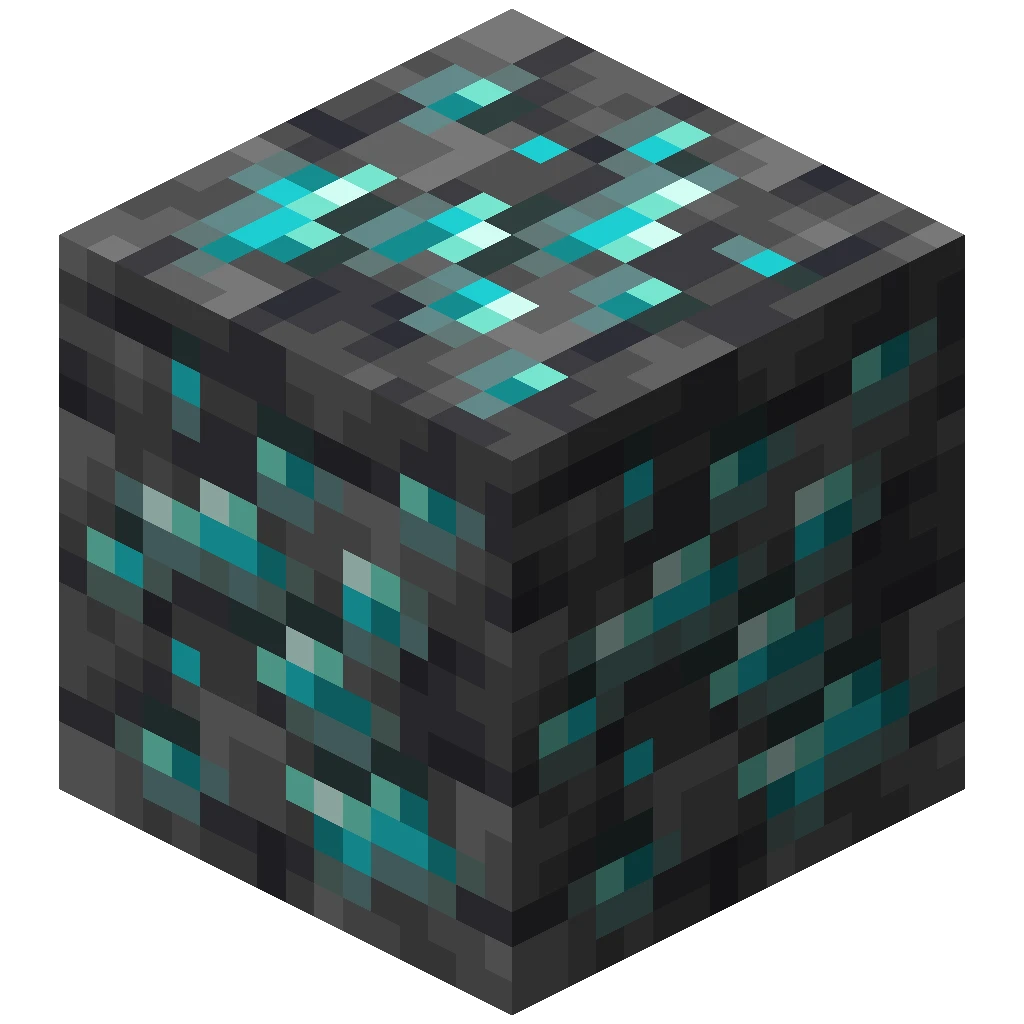
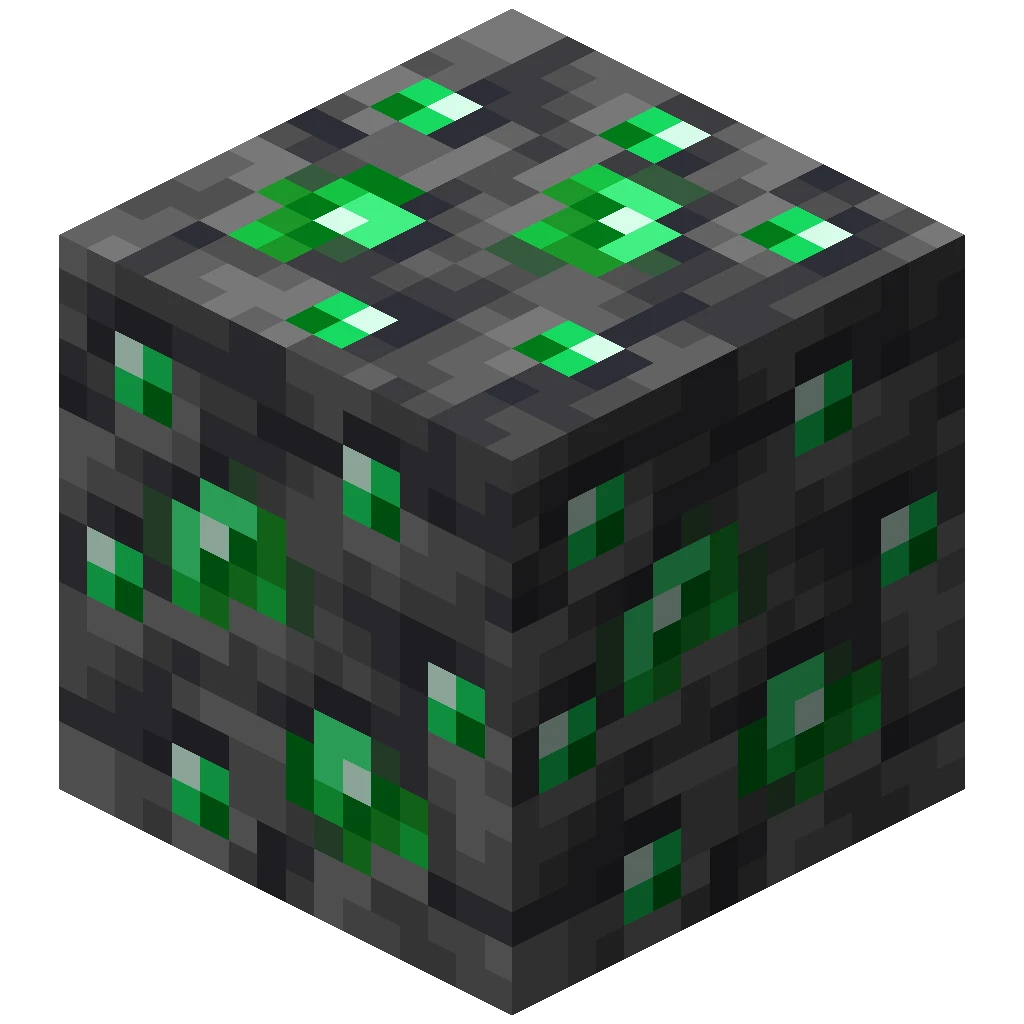
Deepslate Emerald Ore
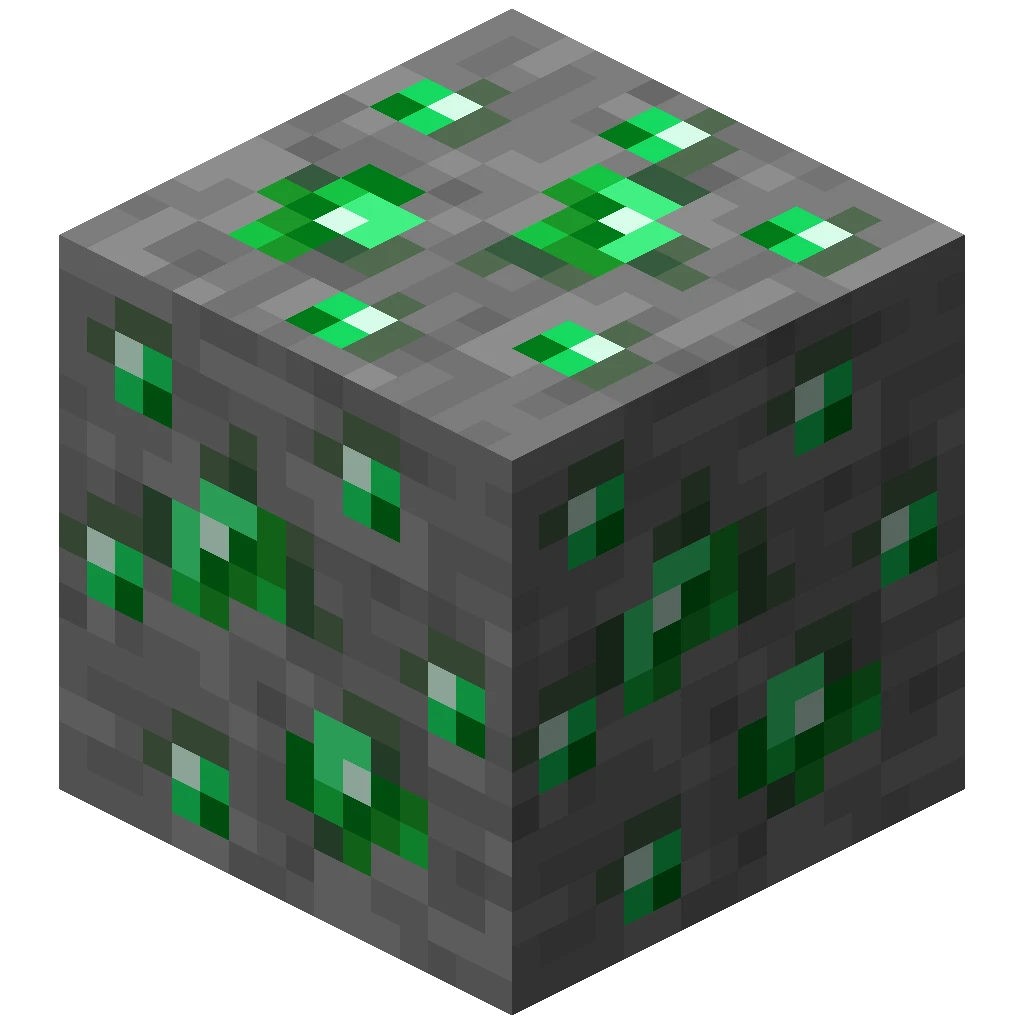
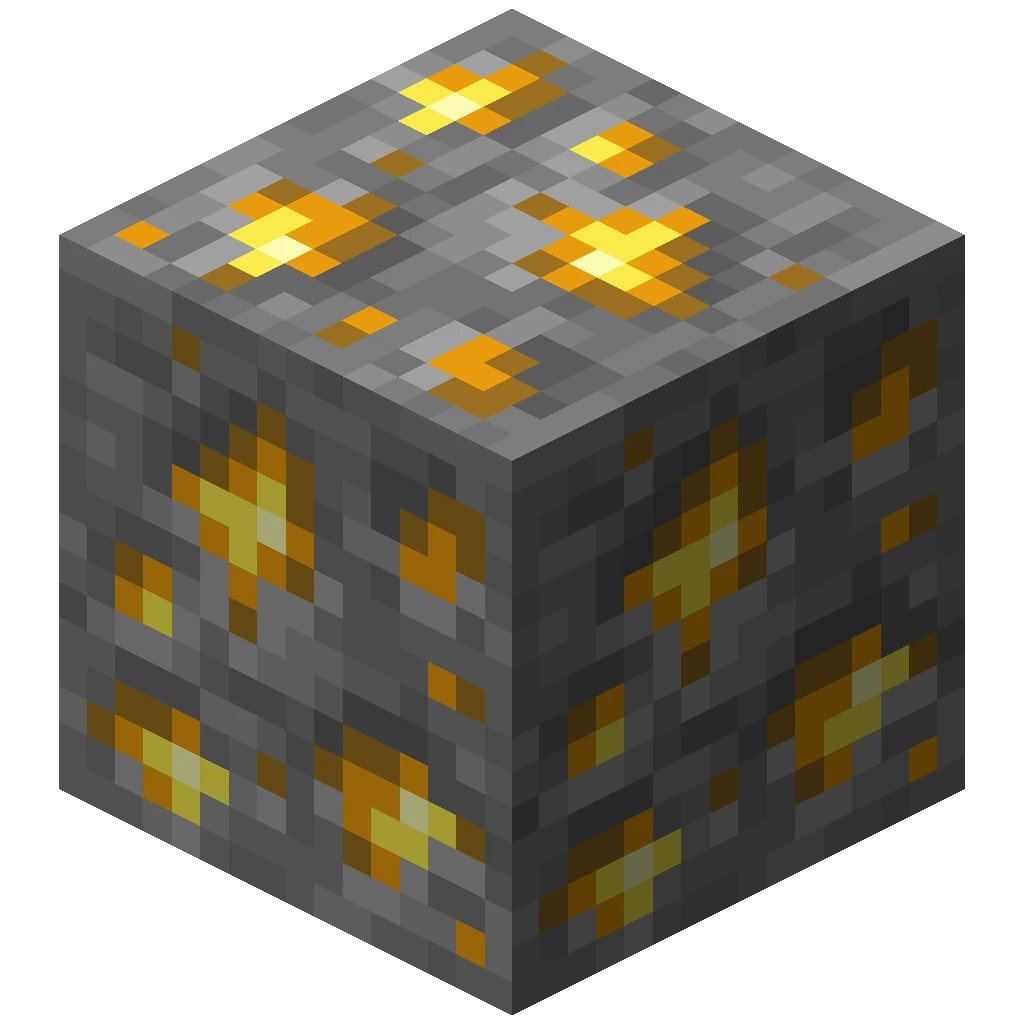
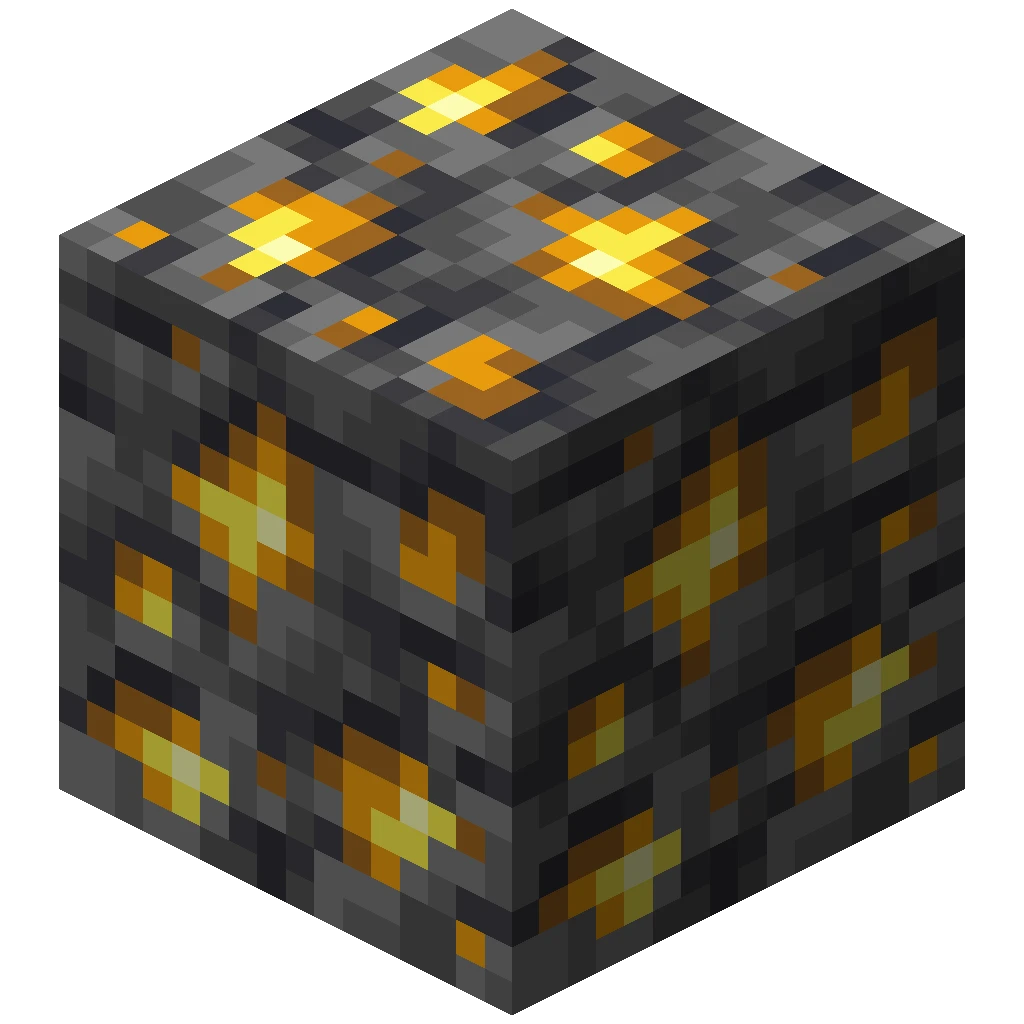
Deepslate Gold Ore
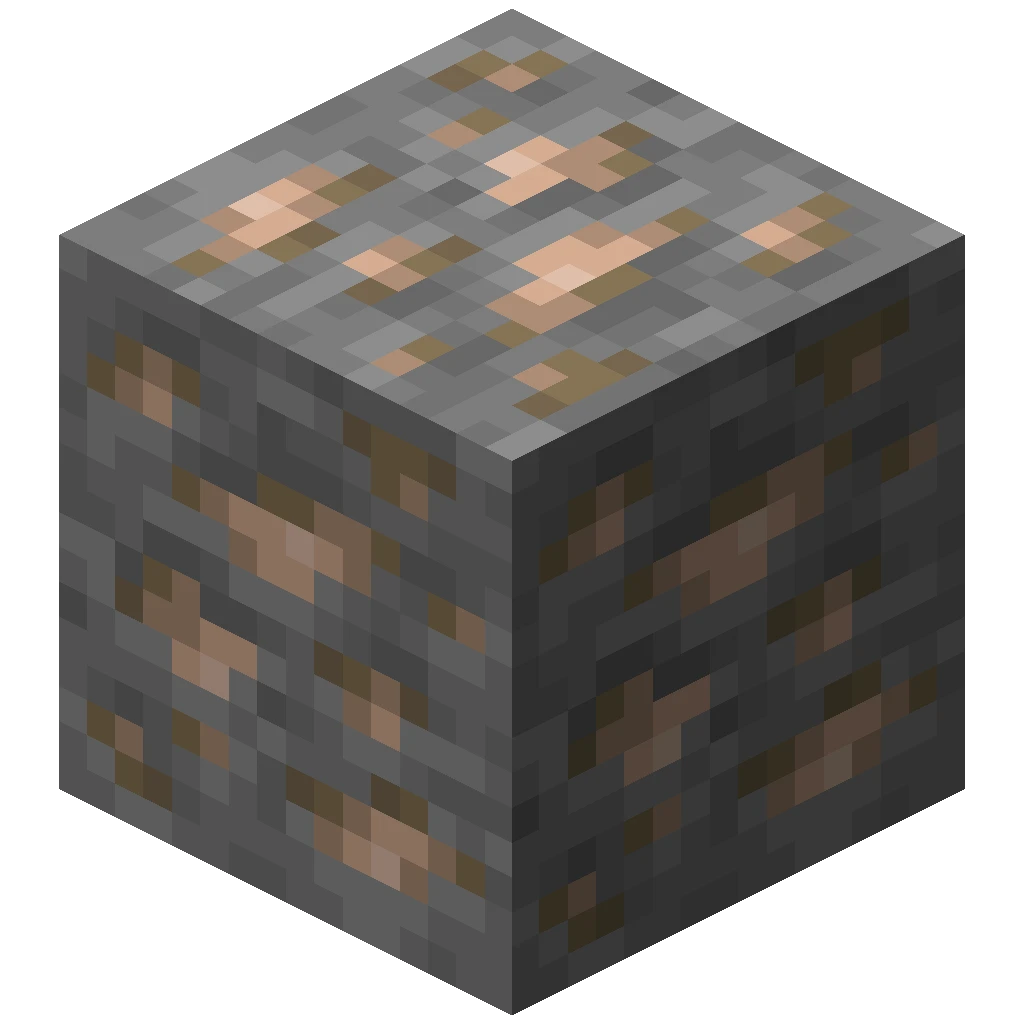
Deepslate Iron Ore
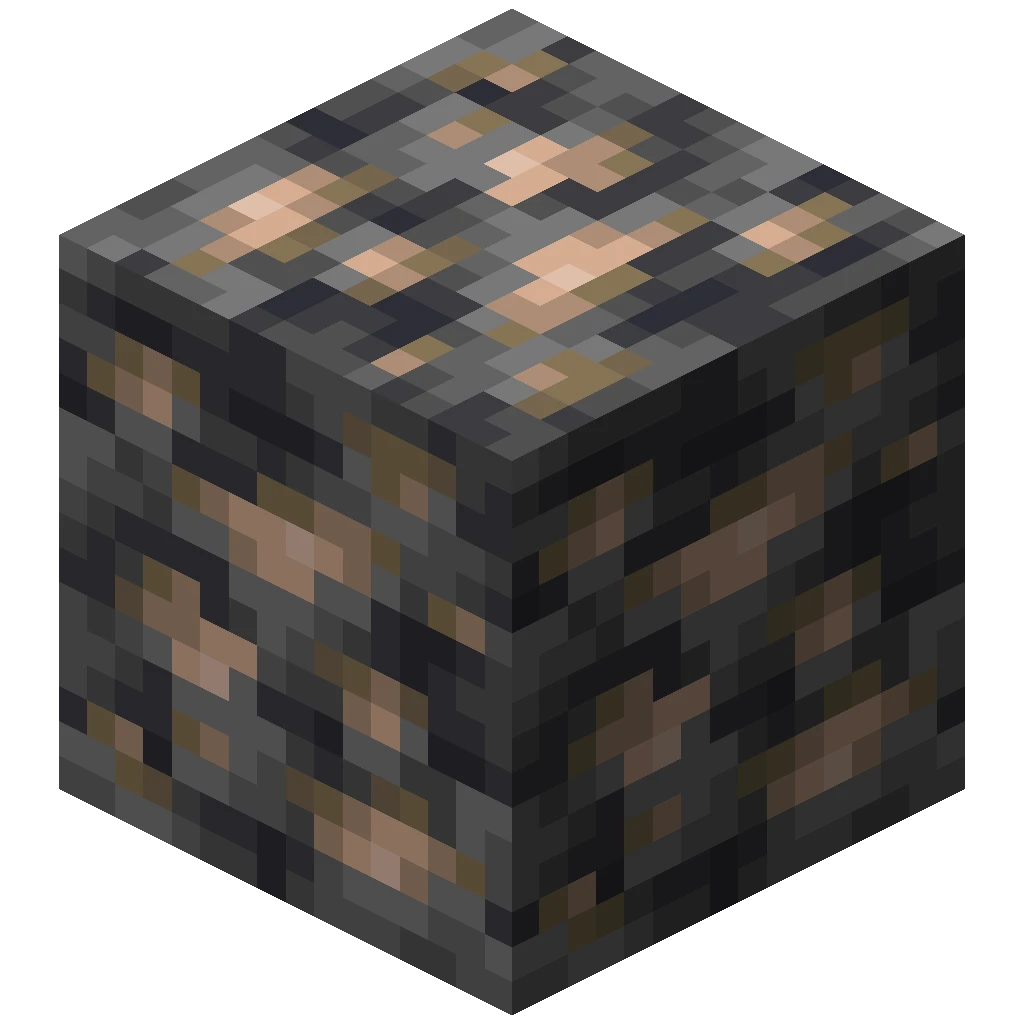
Deepslate Lapis Lazuli Ore
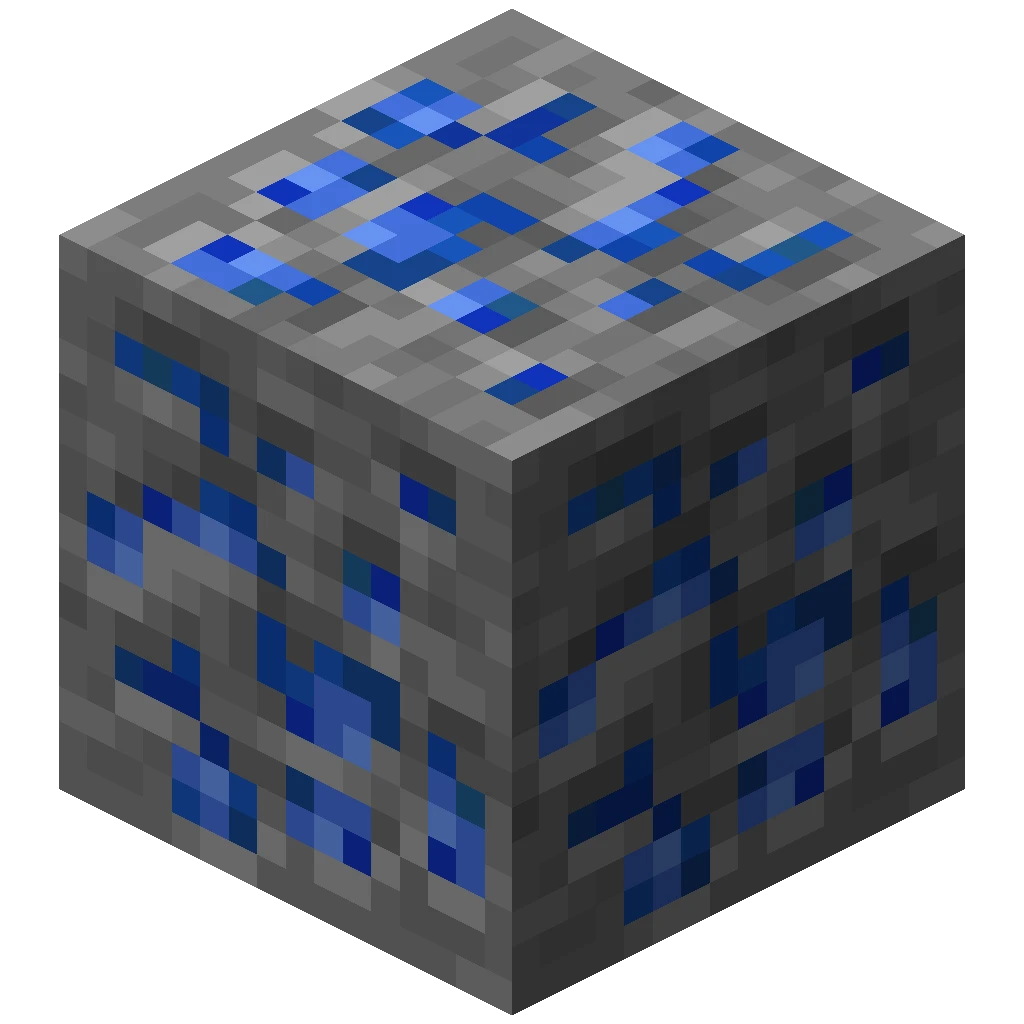
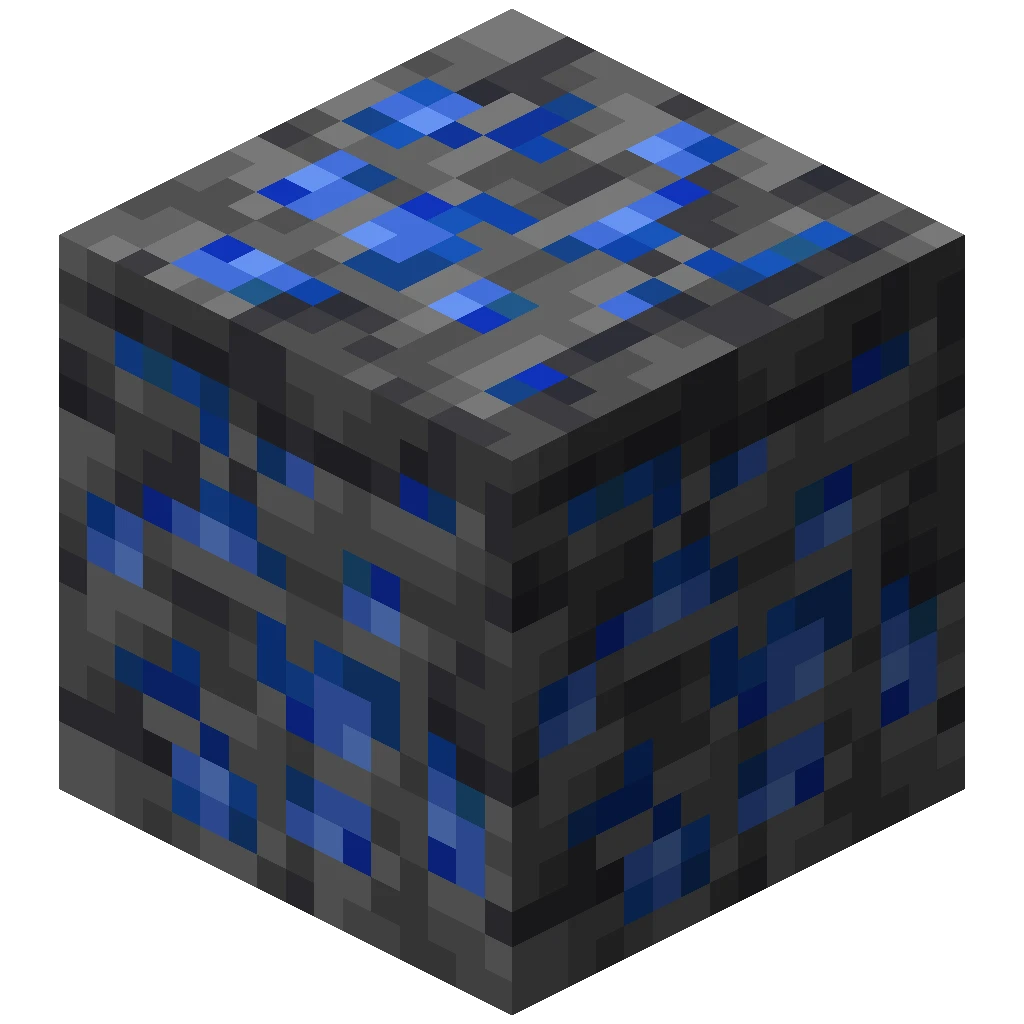
Deepslate Redstone Ore
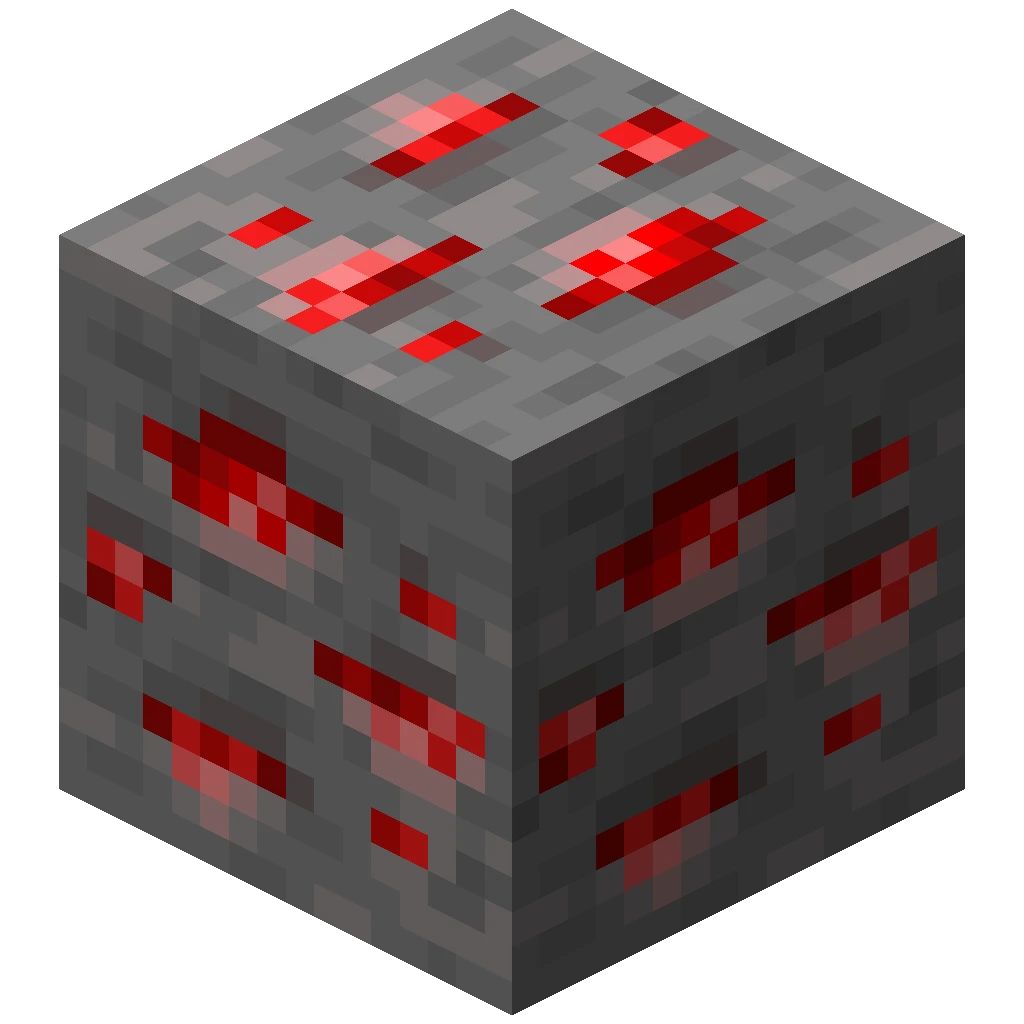
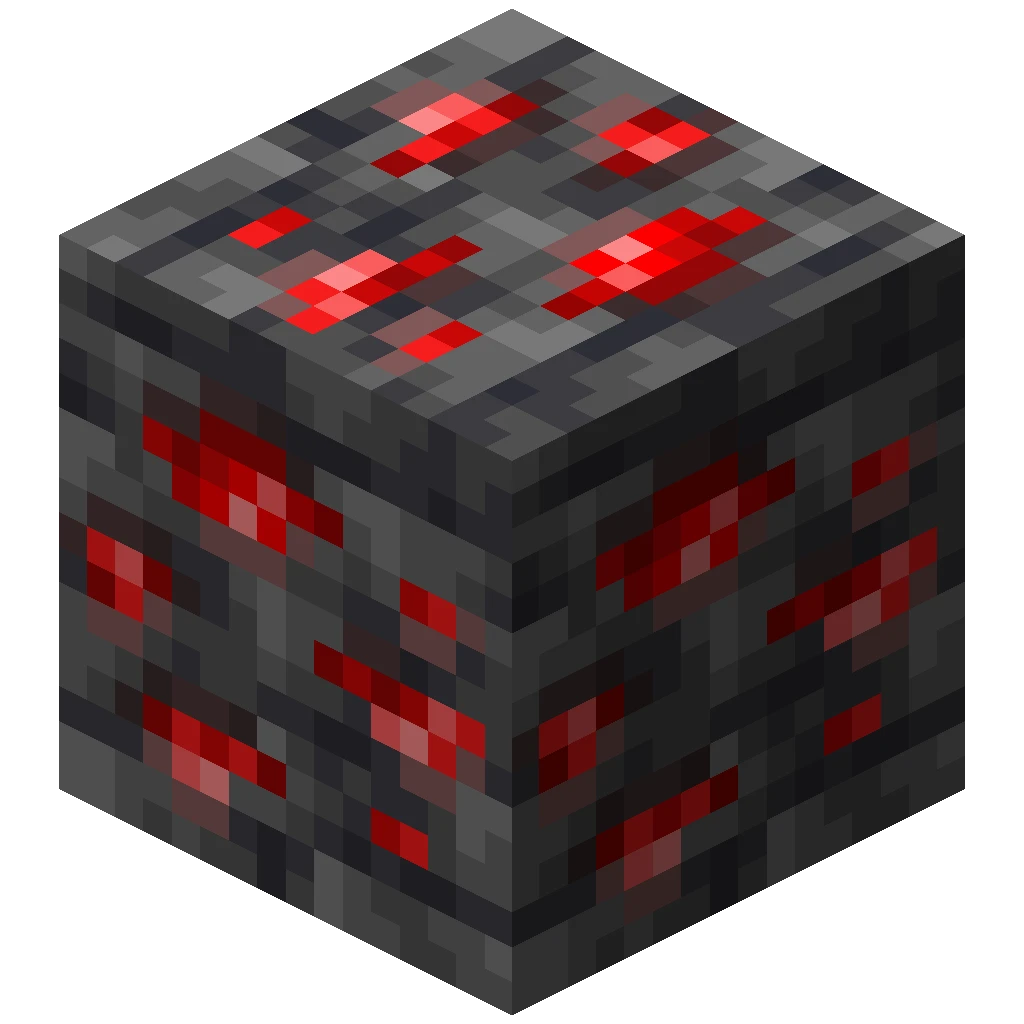
Diamond Ore
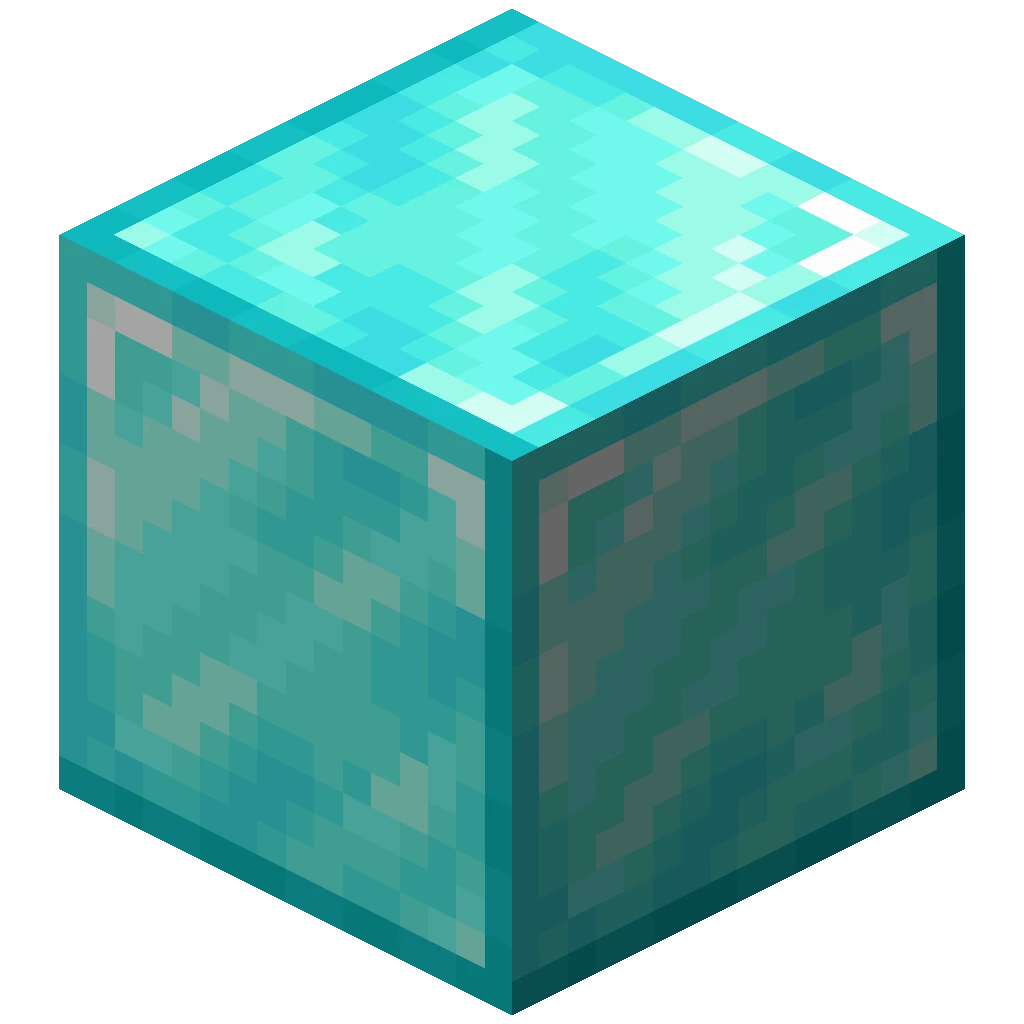 4
Emerald Ore
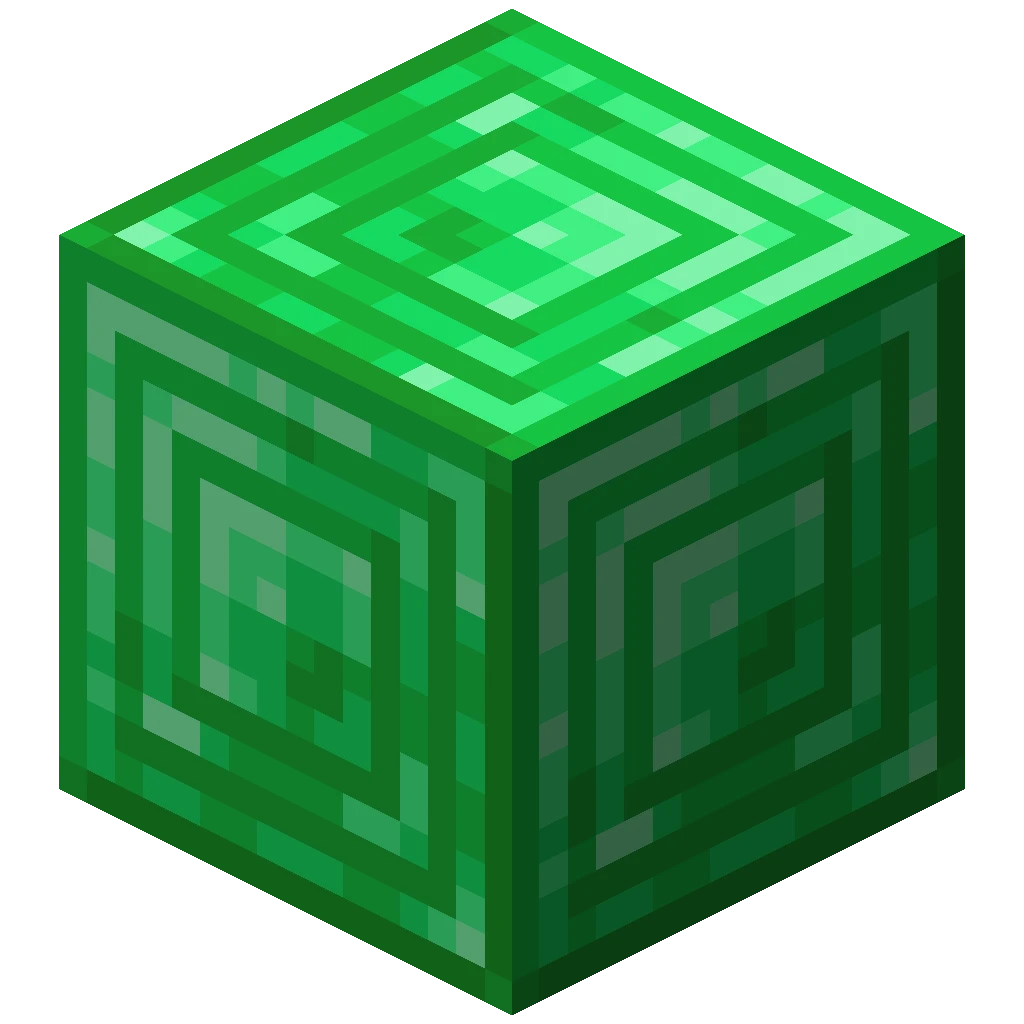 4
Enchanted Golden Apple
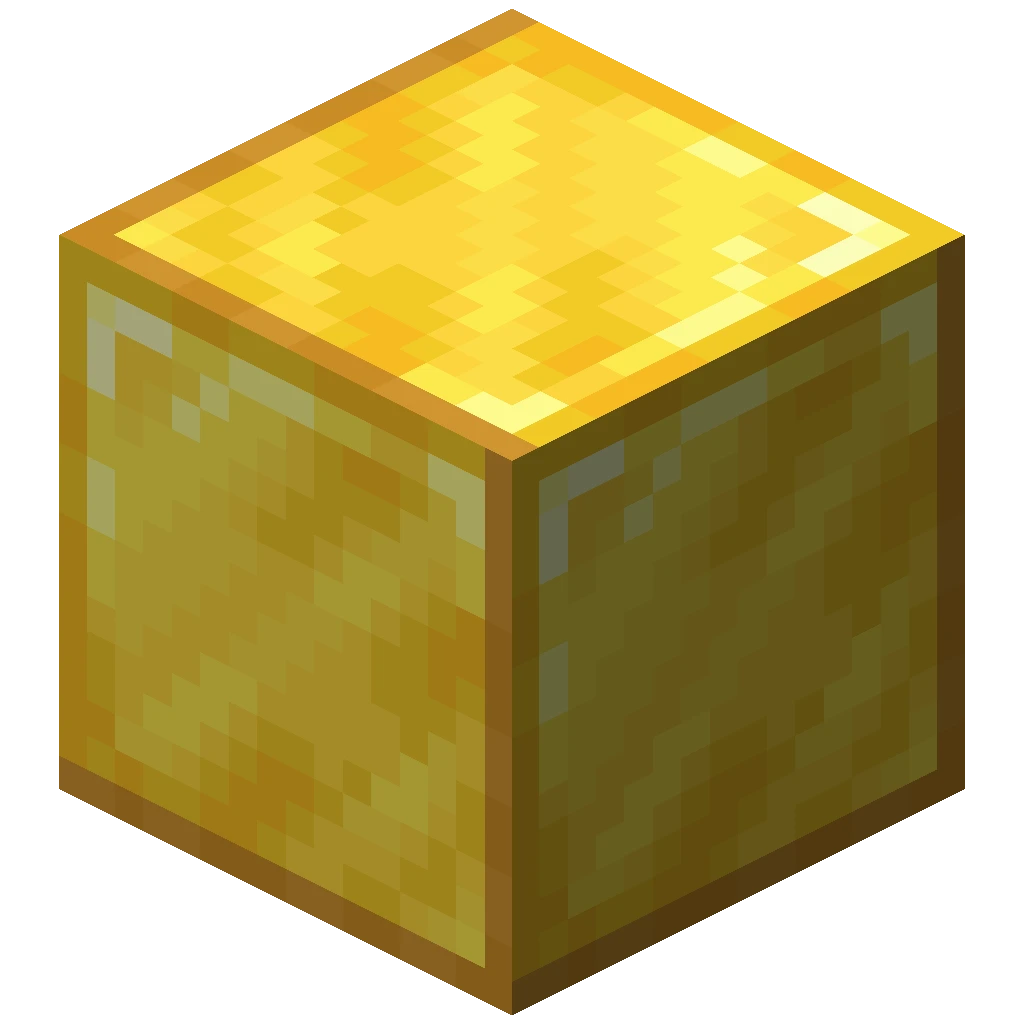


Gold Ore
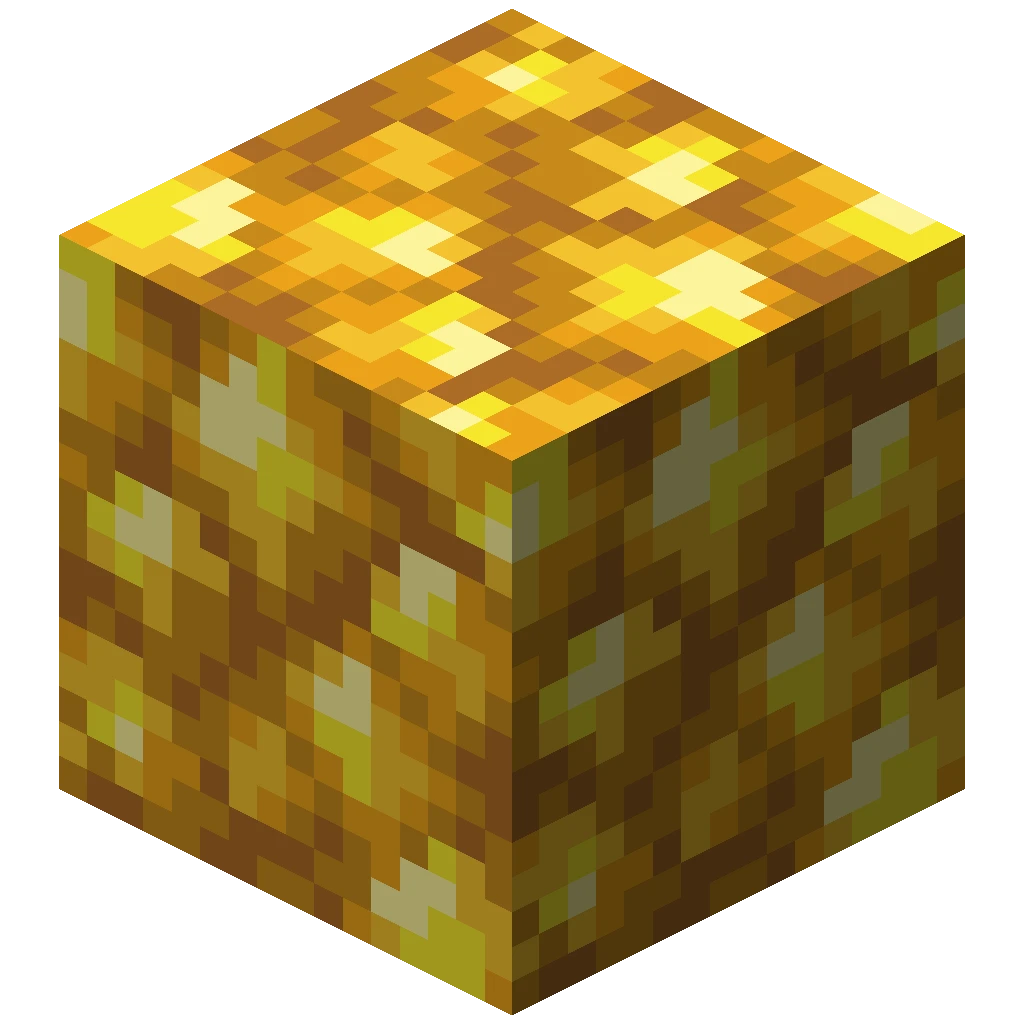 4
Invisible Item Frame

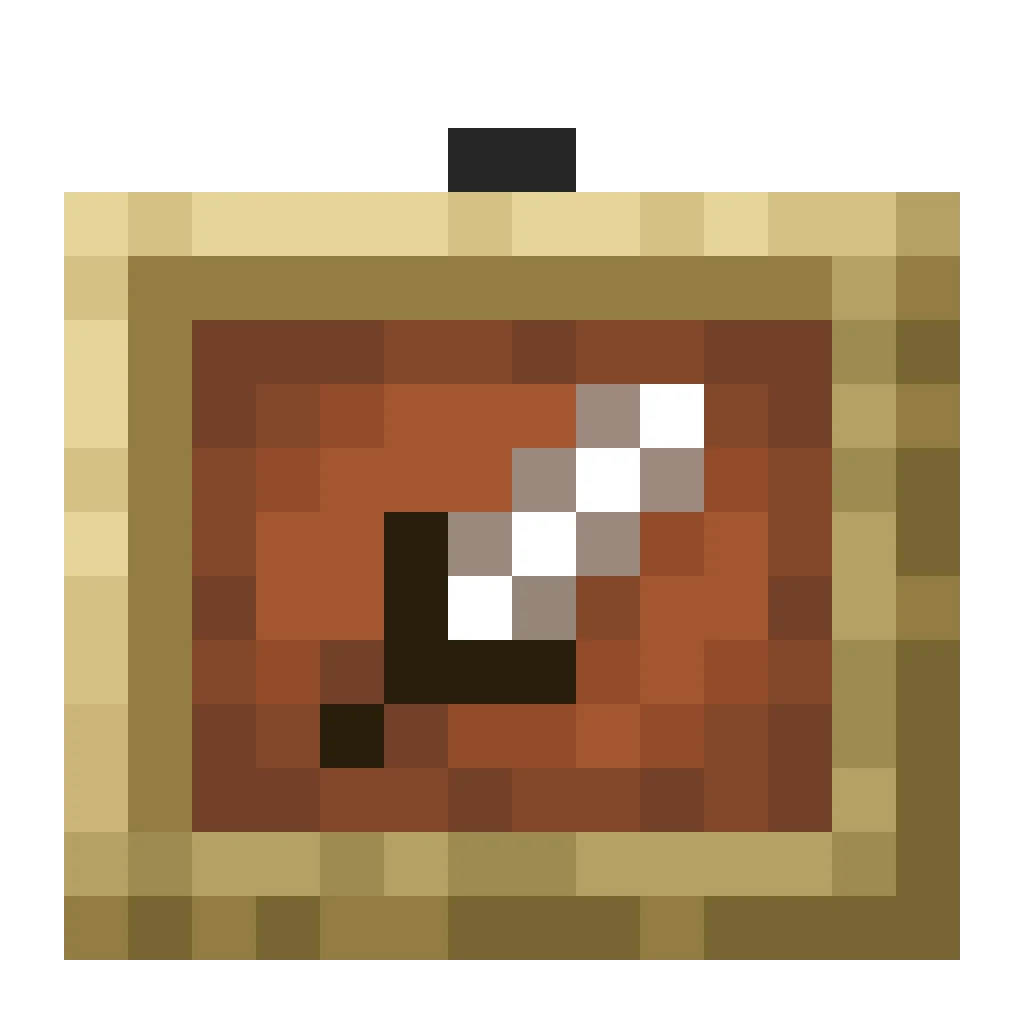
Iron Ore
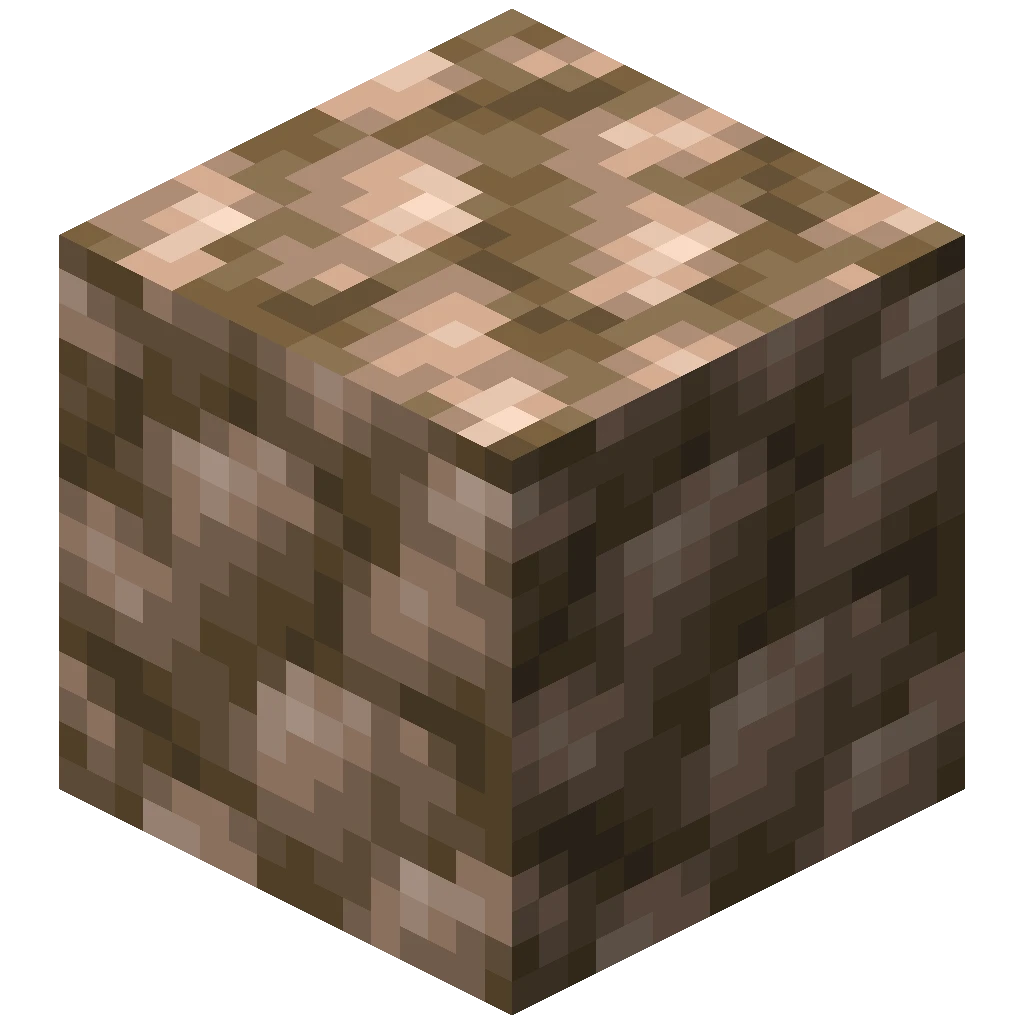 4
Lapis Lazuli Ore
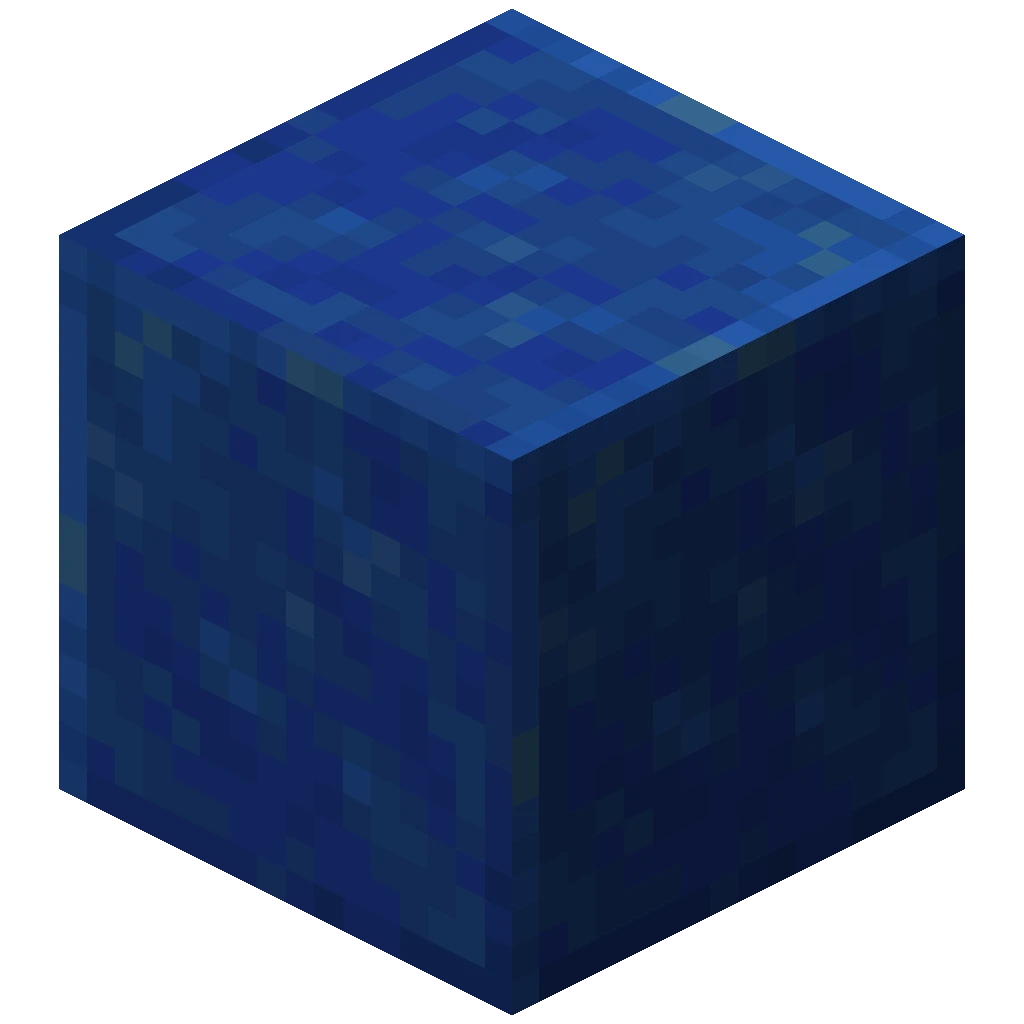 4
Light Block


Nether Gold Ore

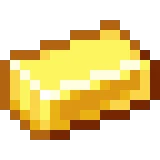
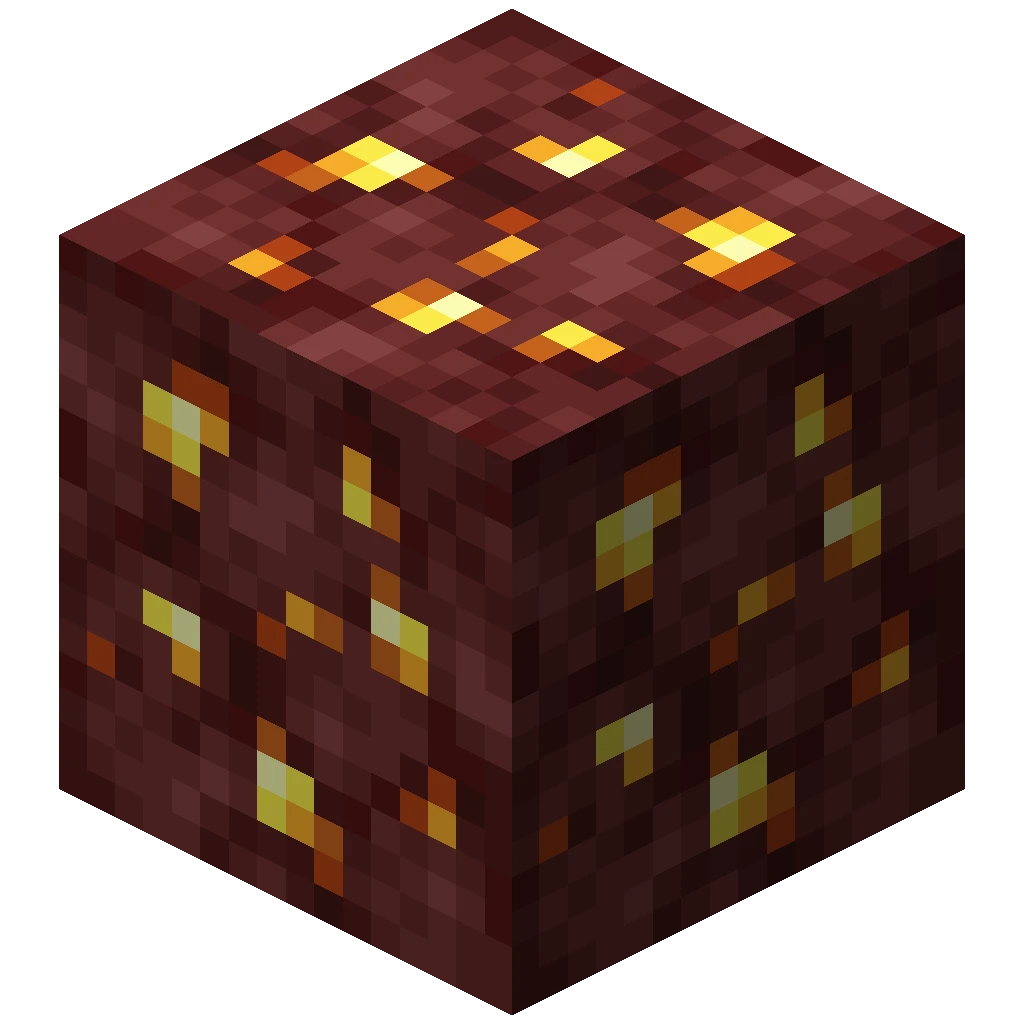
Nether Quartz Ore
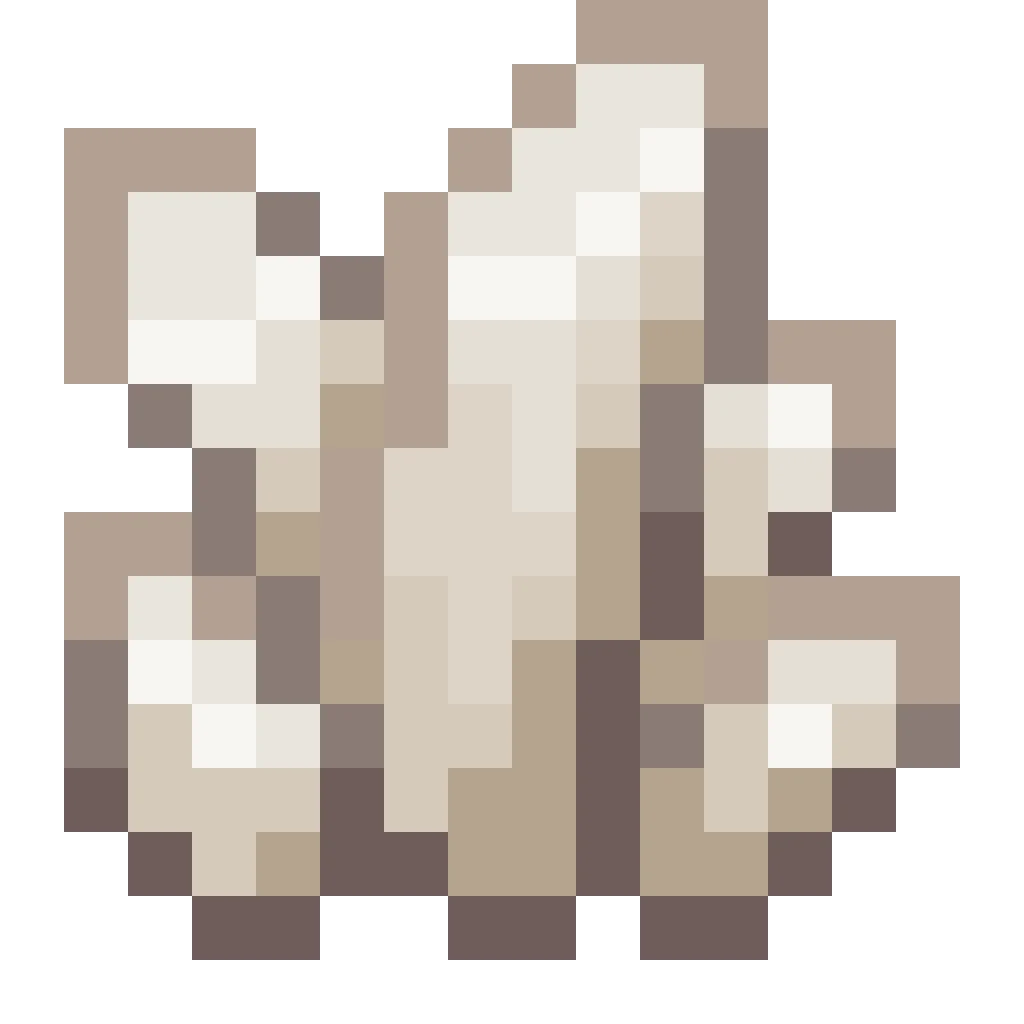
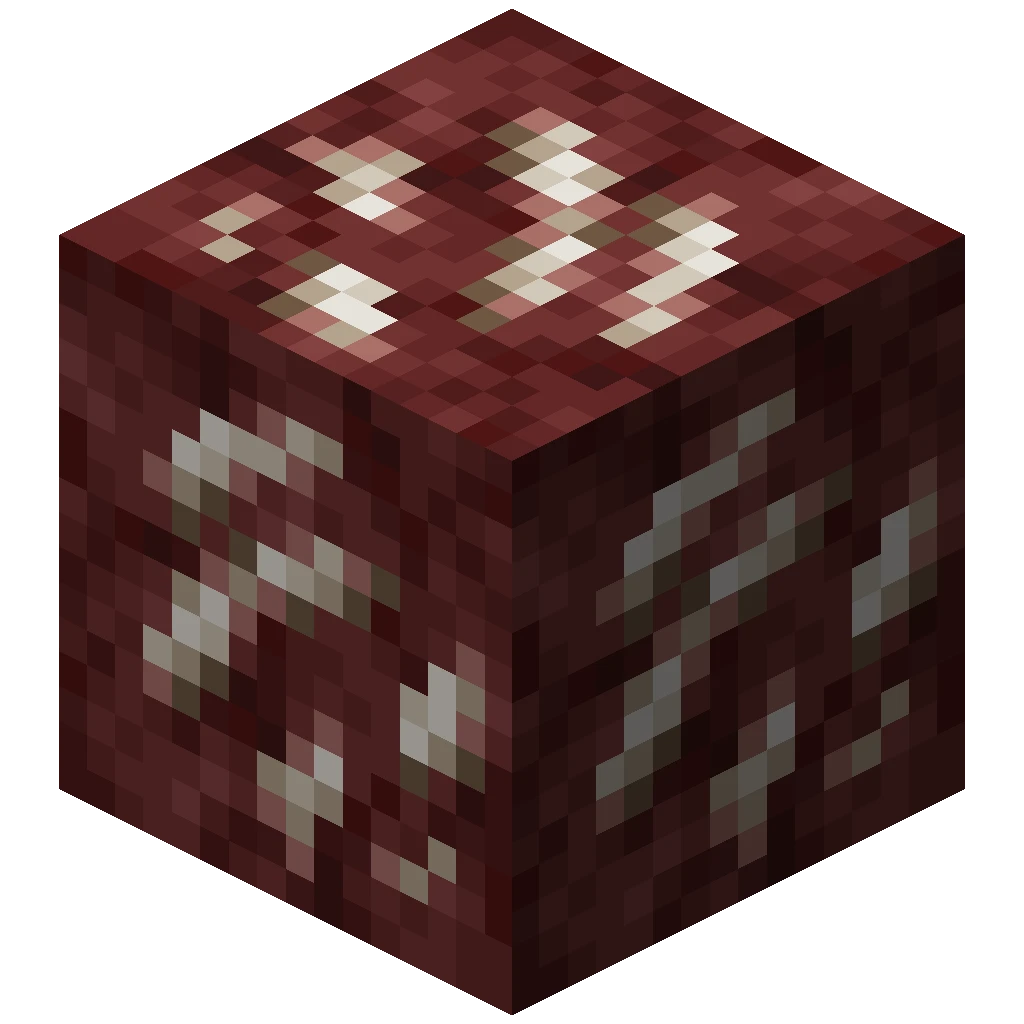 2
Netherite Upgrade Smithing Template

Raw Copper
Raw Gold
Raw Iron
Red Sand
Redstone Ore
 4
Reinforced Deepslate
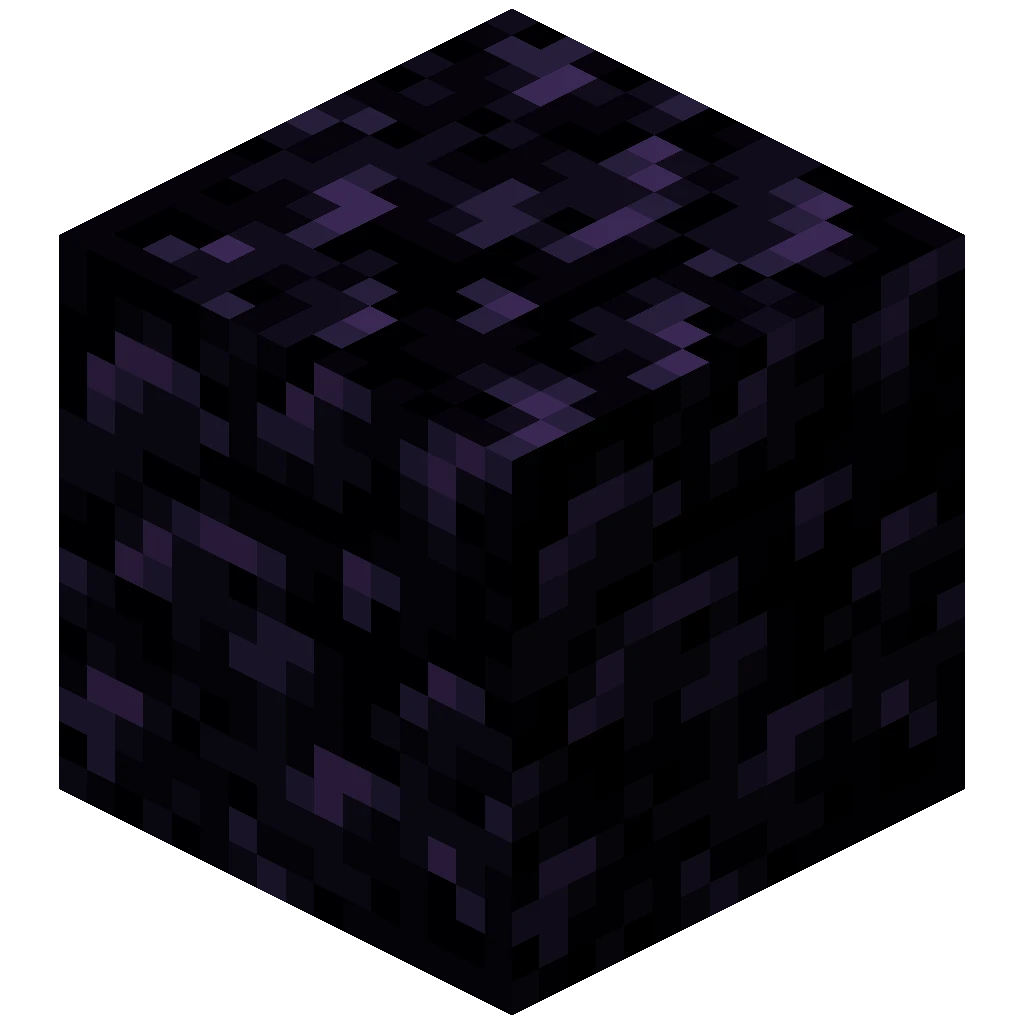
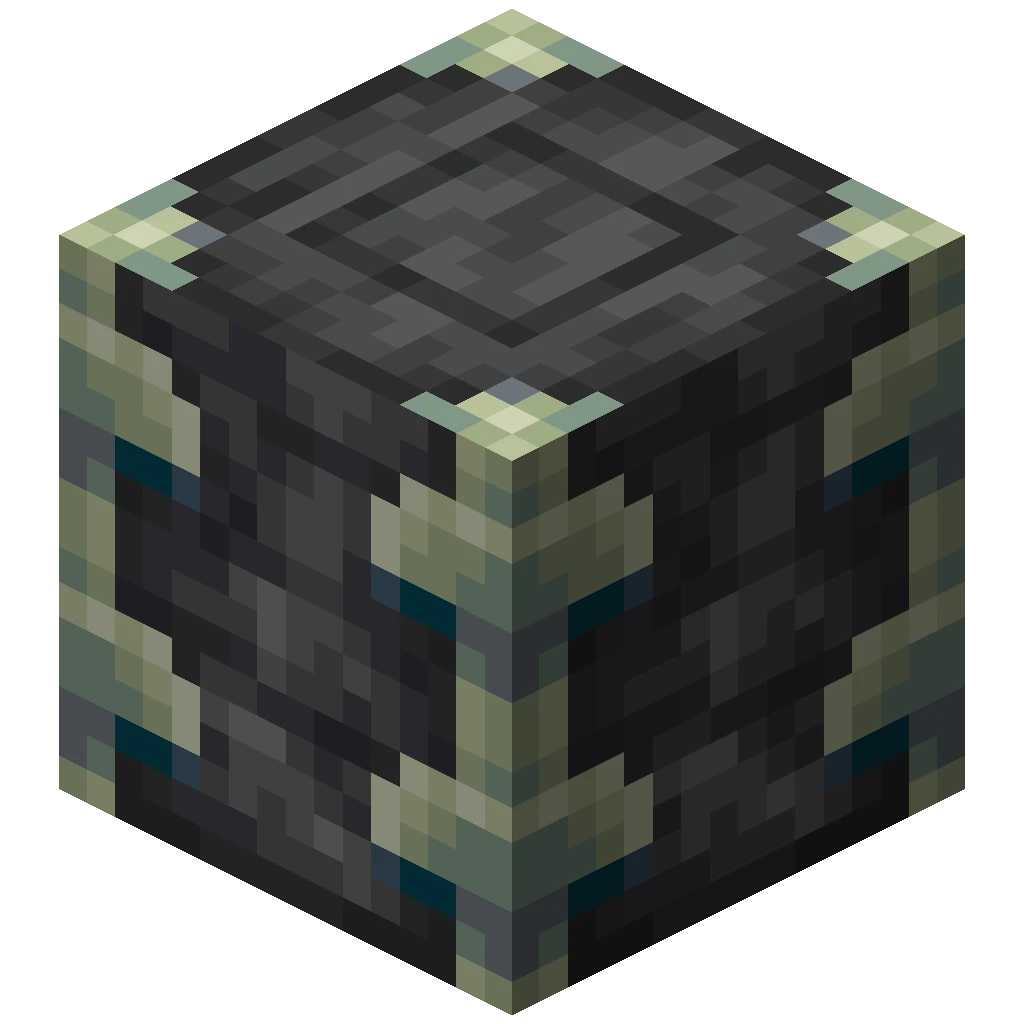
Sculk Sensor

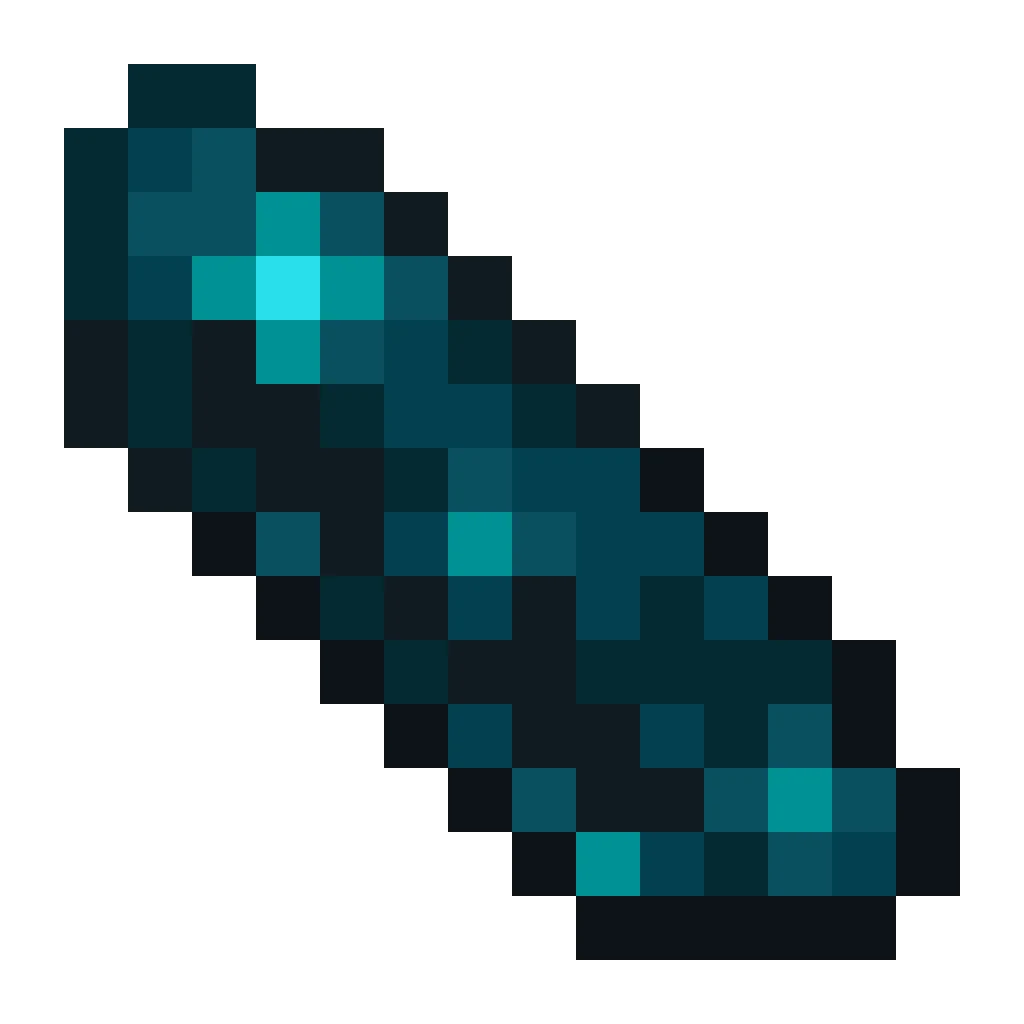
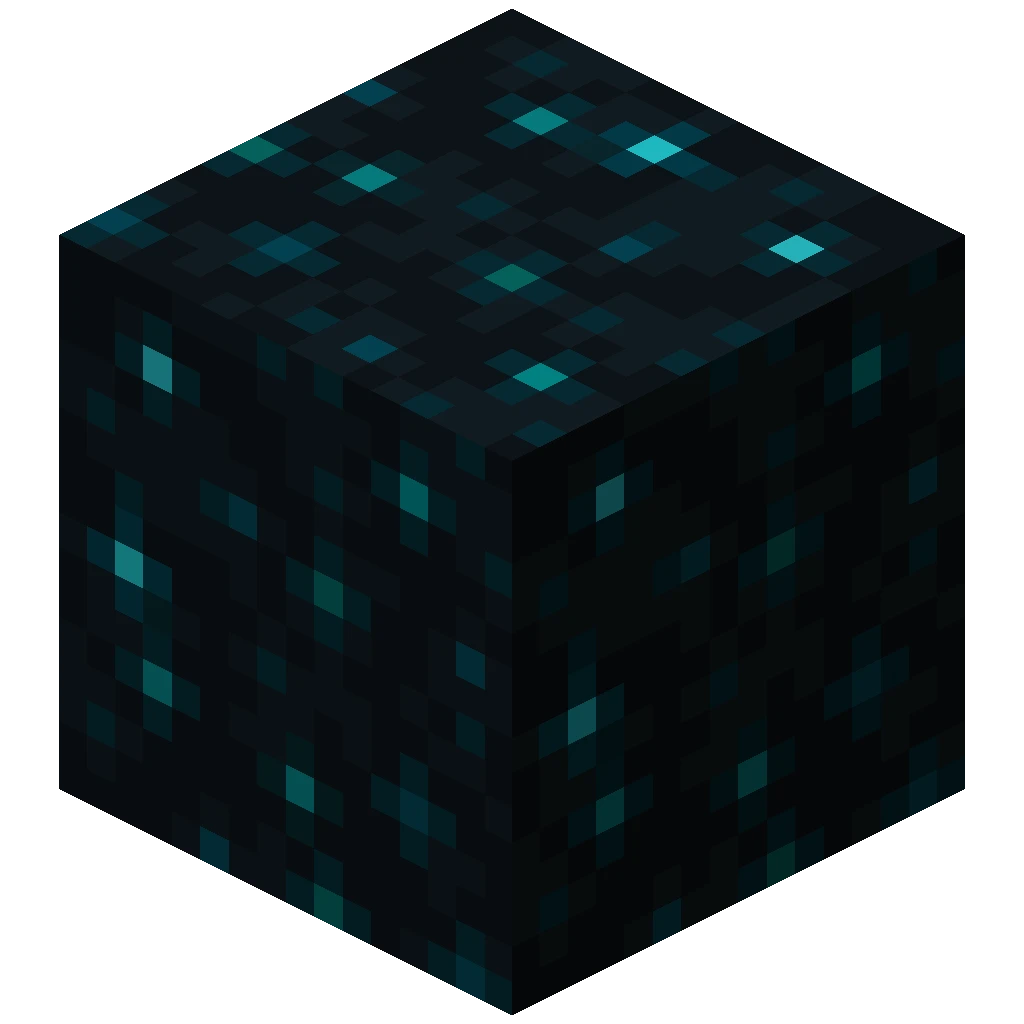
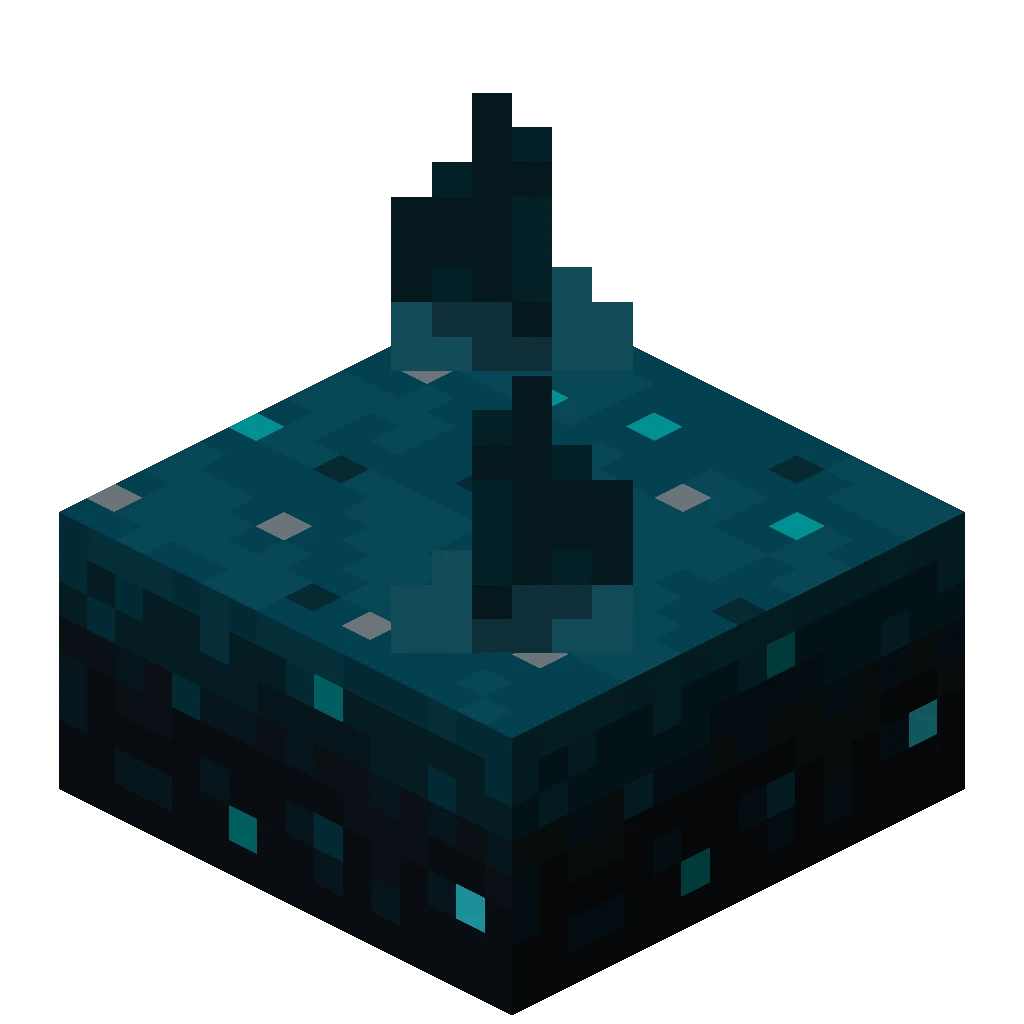
Sculk Shrieker
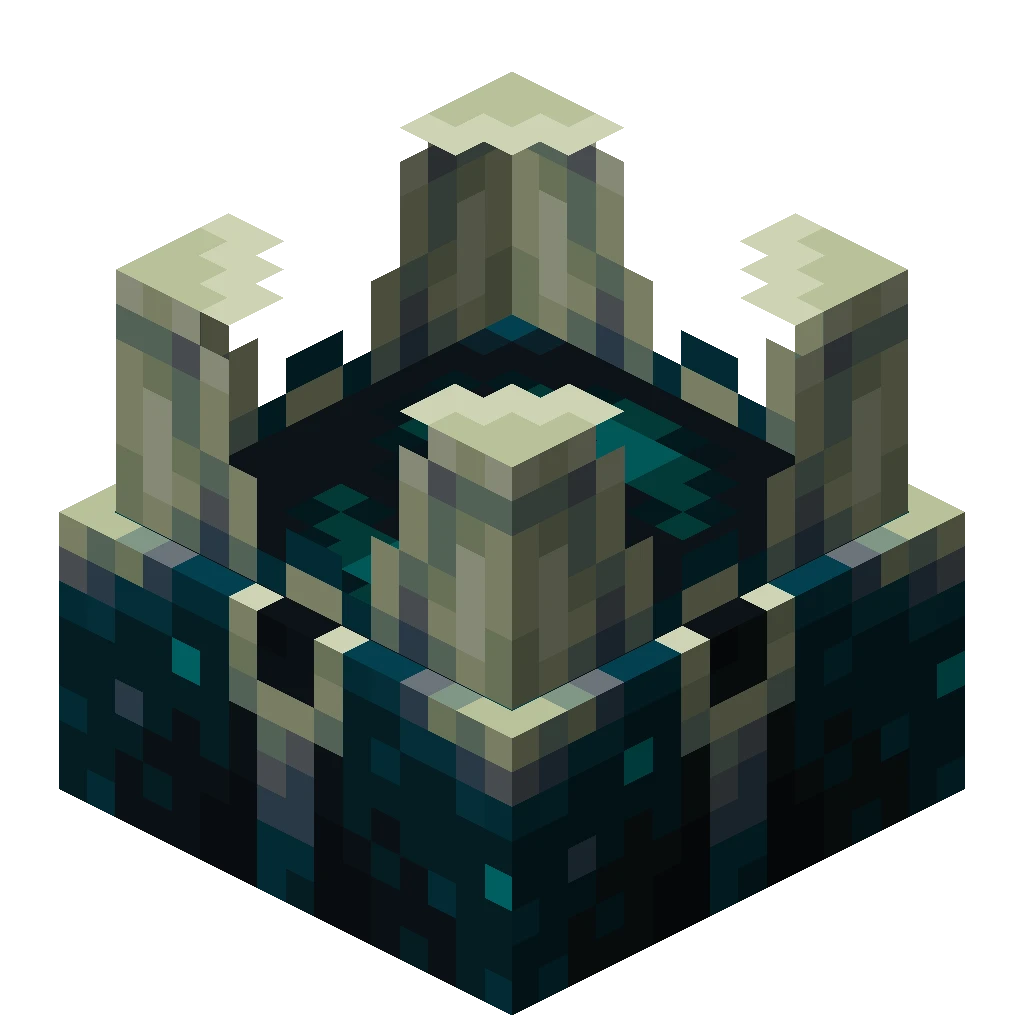
Soul Sand
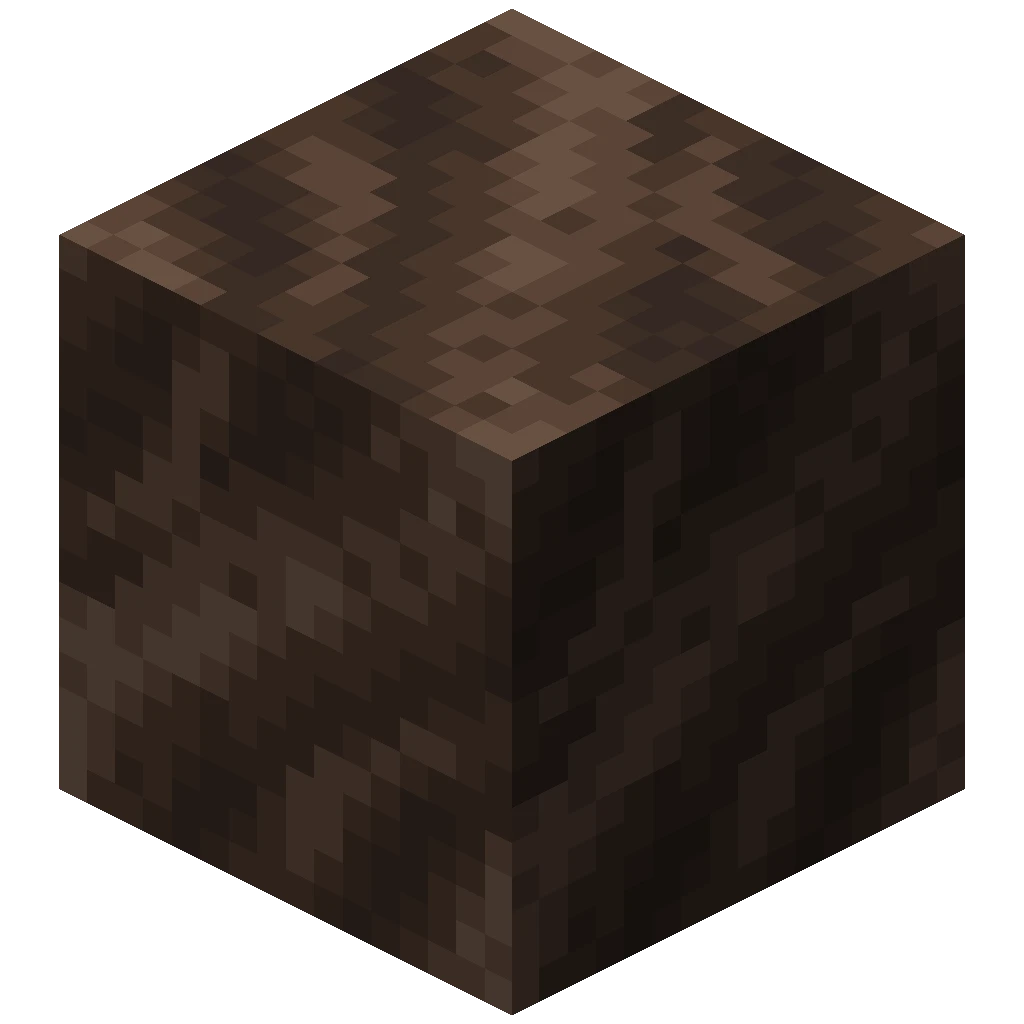
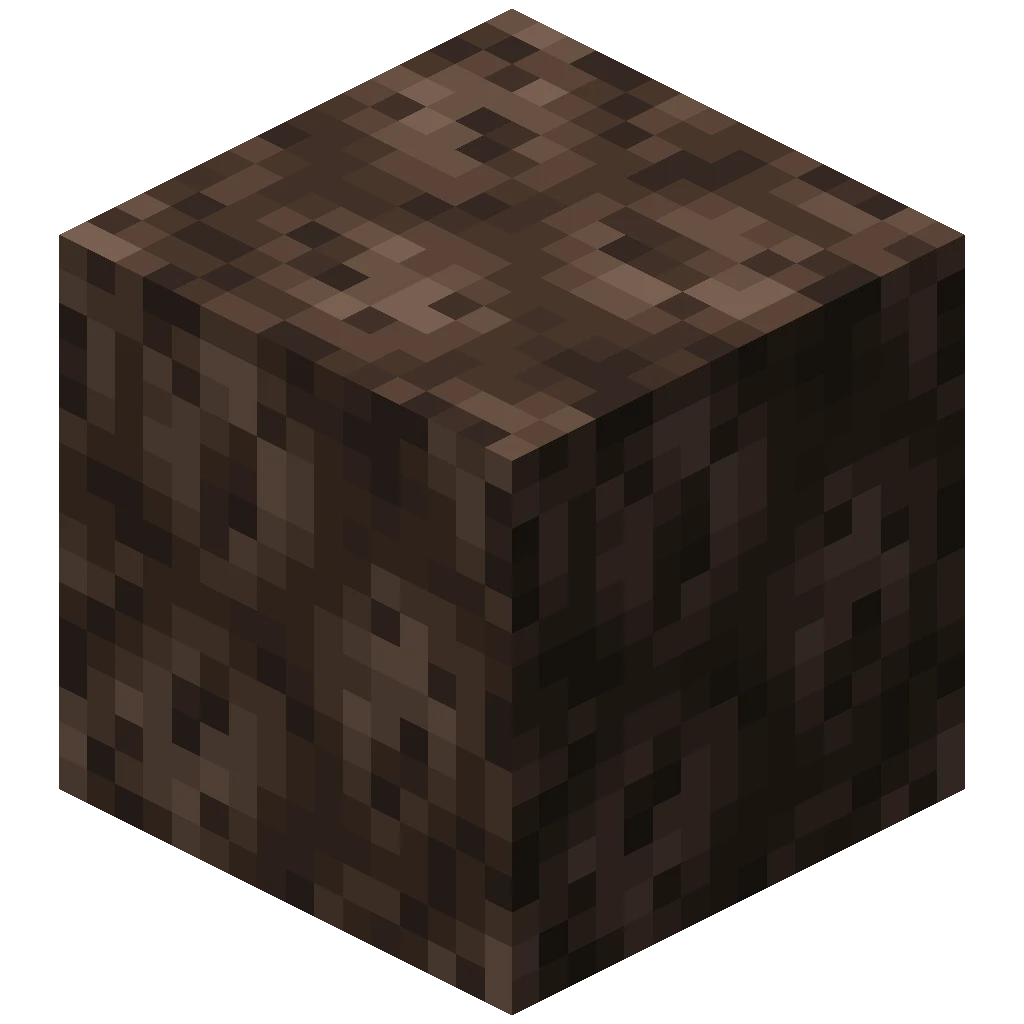 4
Soul Soil
 4
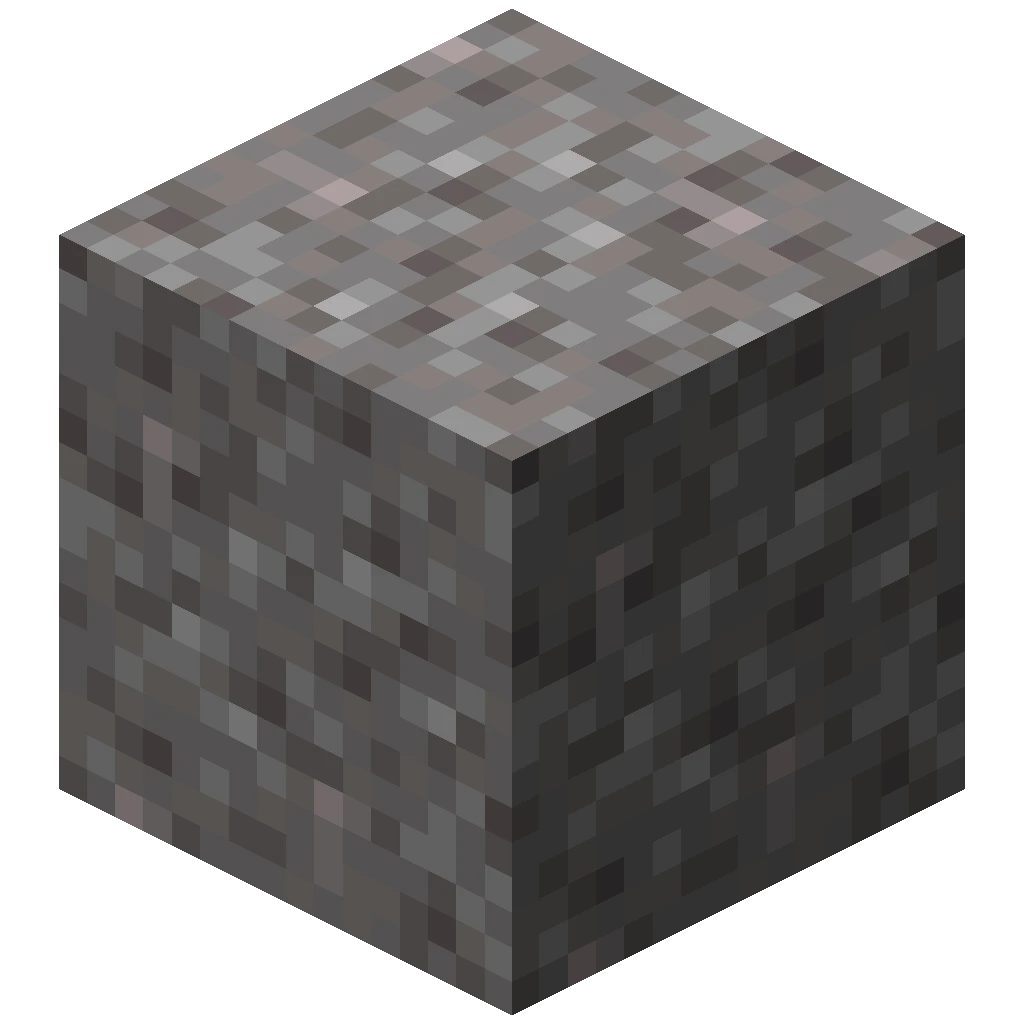
Suspicious Gravel
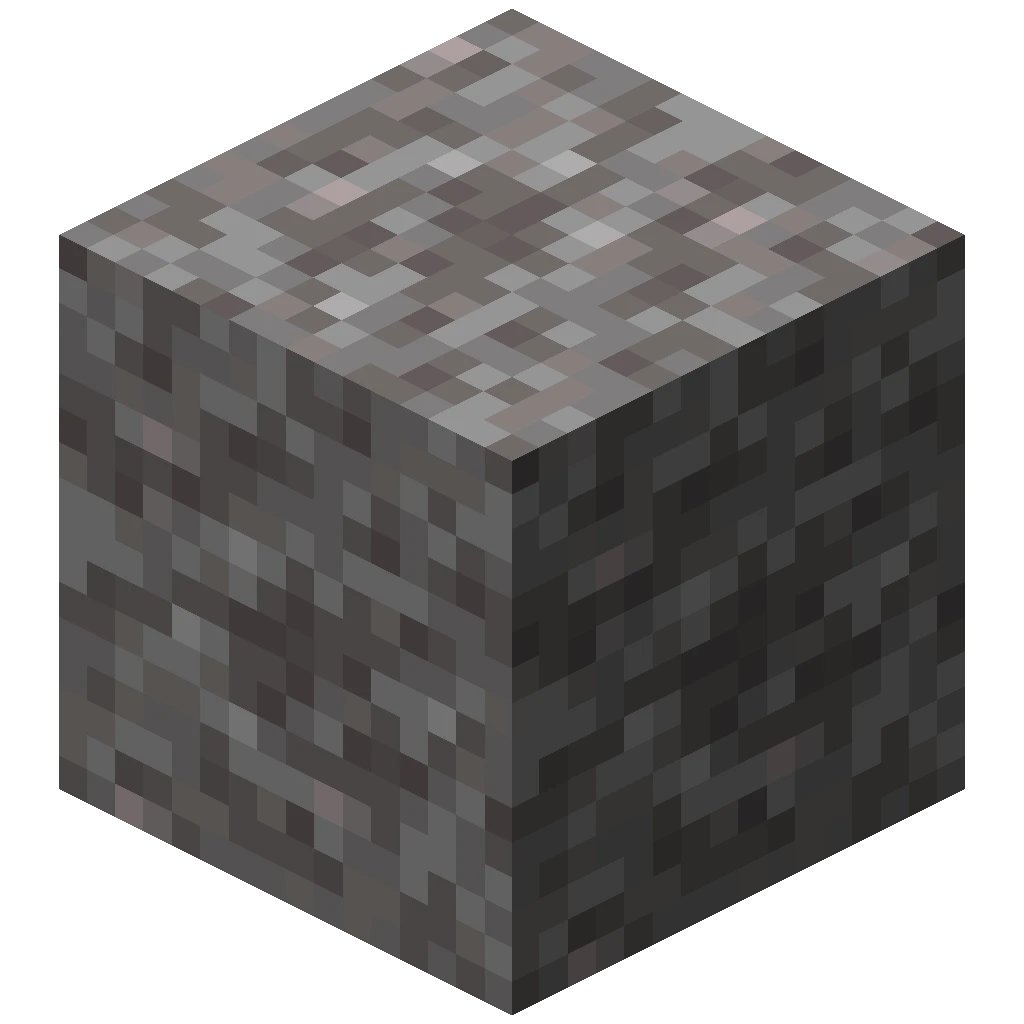
Suspicious Sand
Trial Spawner

Tuff
 4
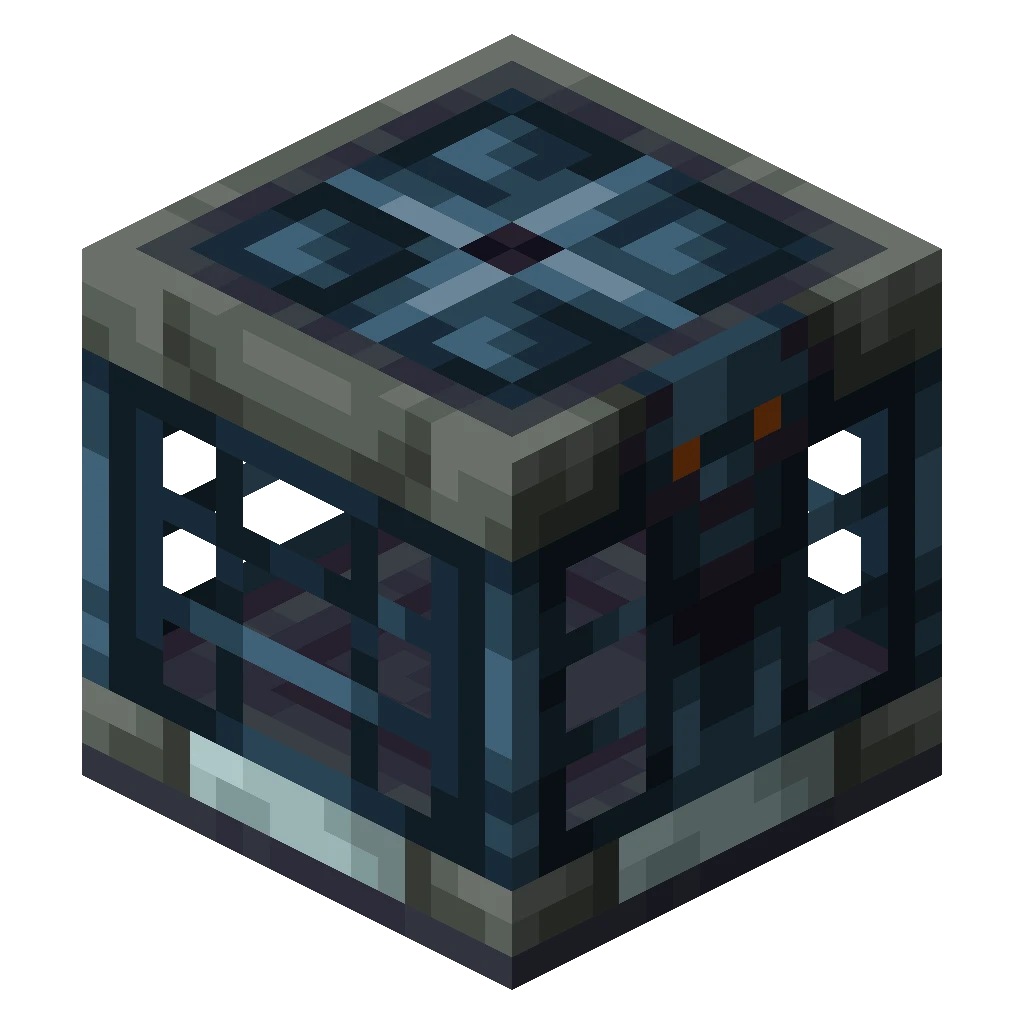
Vault
Cooking recipes
Use the station listed below for each recipe. These recipes take longer than normal cooking, so keep enough fuel ready.
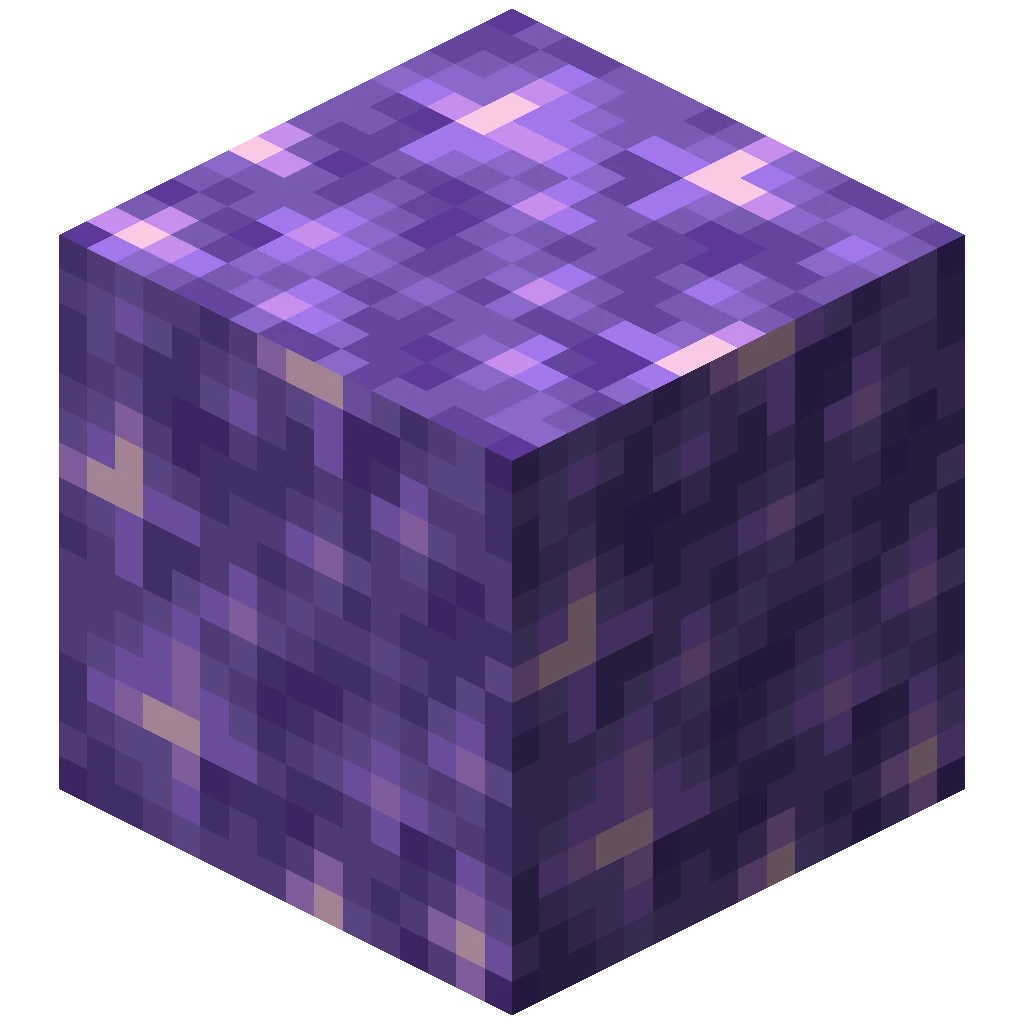
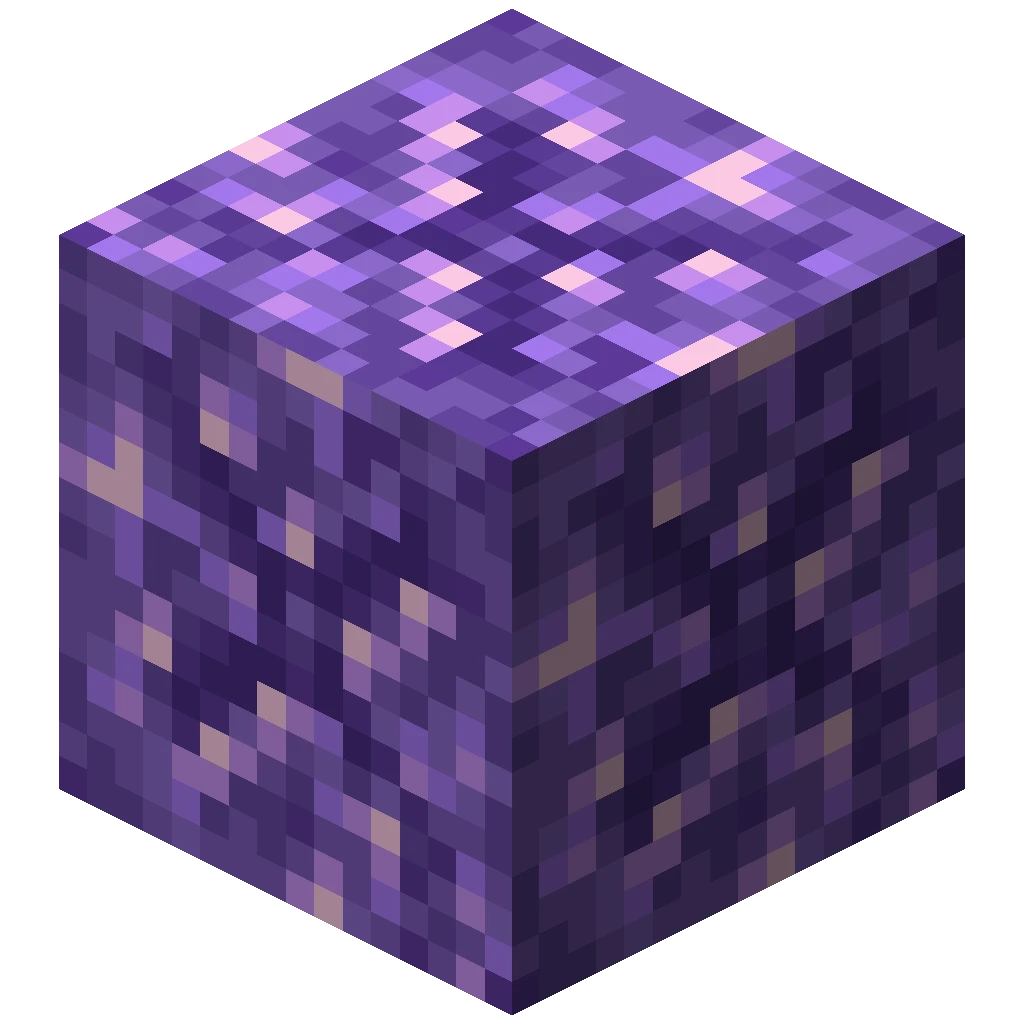
Budding Amethyst: Block of Amethyst → Budding Amethyst. Use a blast furnace; cooking time: 16 minutes 40 seconds.

Echo Shard: Amethyst Shard → Echo Shard. Use a blast furnace; cooking time: 16 minutes 40 seconds.
How to use the special crafted blocks
Suspicious sand and suspicious gravel
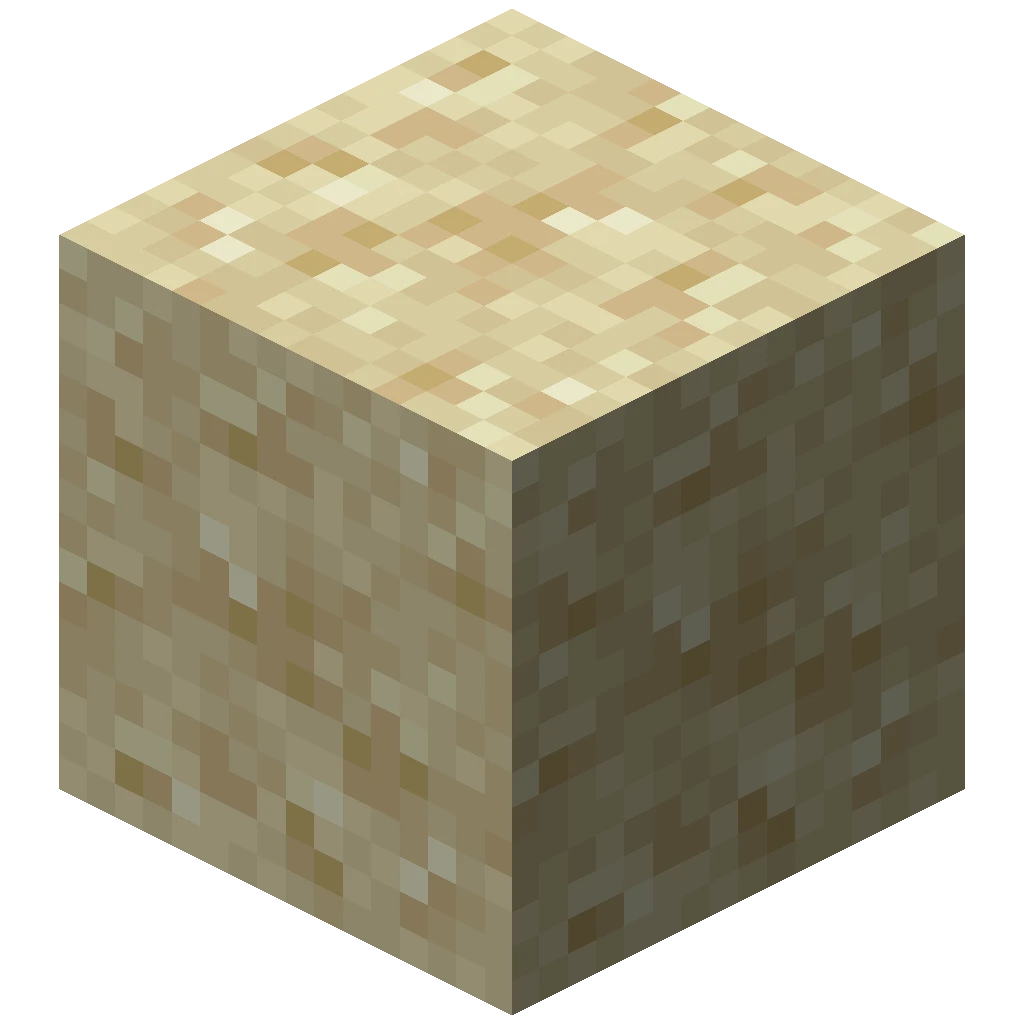
Craft Suspicious Sand from sand and a Bottle o’ Enchanting, or Suspicious Gravel from gravel and a Bottle o’ Enchanting. Place the crafted block on a secure surface, then use a brush to uncover an item. Do not break it with a shovel or let it fall.
The useful addition for Skyblock is that you can craft, place and brush these blocks yourself, so archaeology is available without finding a buried structure. Use the crafted blocks for this mechanic.
For the vanilla archaeology rewards and brushing mechanics, see Suspicious Sand and Suspicious Gravel on the Minecraft Wiki.
Sculk shriekers and the Warden
The custom Sculk Shrieker recipe produces a shrieker that can summon a Warden after you place it. This differs from a normal player-placed vanilla shrieker. The usual warning and spawning requirements still apply, so build it well away from your main island and prepare an escape route before activating it.
Read the Minecraft Wiki’s Sculk Shrieker and Warden guides for the full activation and spawning rules.
Custom drops and trades: what is added?
The lists below show the additions for this Skyblock world, rather than repeating the normal vanilla loot lists.
Additional mob drops
- Husks: can drop an extra 0–8 sand, giving you a renewable source for building and crafting.
- Strays: can drop an extra 0–2 amethyst shards, useful for the custom amethyst and echo shard recipes.
For the full vanilla drop lists and mob behaviour, see Husk drops and Stray drops on the Minecraft Wiki.
Additional sculk drop
Breaking sculk has an additional 5% chance to drop an echo shard. This gives you another way to gather a resource normally found in ancient-city loot.
For the normal block drops and harvesting rules, see Sculk on the Minecraft Wiki.
Additional piglin bartering rewards
Offer a gold ingot to an adult piglin as usual. Alongside familiar bartering rewards, this pack adds:
- Ancient debris: a possible reward of one block, giving you a renewable route to netherite.
- Netherrack: a possible reward of 8–16 blocks.
These are possible rewards, not guaranteed results for every gold ingot. For the complete vanilla reward list and how bartering works, see Bartering on the Minecraft Wiki.
Additional wandering trader offer
Wandering traders gain an offer of one spore blossom for five emeralds, so you can bring this decorative plant to your island.
For the trader’s regular offers and behaviour, see Wandering Trader on the Minecraft Wiki.
Frequently asked questions
Do I need Forge, Fabric or other mods?
No. The world is for Minecraft Java. Its optional recipes and mechanics use data packs and do not require a mod loader.
Does the download work in Bedrock?
No. The world and data packs are for Java Edition, not Bedrock on consoles, mobile devices or Windows.
Why is the world missing from my singleplayer list?
Check the saves folder of the installation you launched. The level.dat must be directly inside the extracted world folder, not inside another nested folder.
Why are the extra recipes missing?
Check that you selected the optional data pack and kept it in the world's datapacks folder. Use the matching Minecraft version.
Can I play with friends?
Yes. Open the world to LAN or upload it to a compatible Java server. Back up the old server world and include the complete Skyblock folder and its data packs.